PhotoRobot System Integration & Rich API Connectivity
The following information for PhotoRobot customers summarizes the system integration & API connectivity of PhotoRobot systems. It provides a general overview of the integration process necessary for the installation and setup of PhotoRobot. Find information on system integration relating to input data and output data, and on using PhotoRobot APIs for automation and development.
Note: This information aims to facilitate a general understanding of system integration, and also includes developer resources to support internal IT teams. For an overview of the software solution, refer to the PhotoRobot Controls Software Solution & Pricing Guide.
For Technical Teams: Access the complete integration documentation using the PhotoRobot Developer Portal.
System Integration – Summary
To ensure optimal productivity across the entire digital content production process, it is necessary PhotoRobot connects to the customer’s existing systems. This interconnection of the system for capturing images with the customer’s existing systems involves both input data (into PhotoRobot Controls App) and output data.
At the technical level, the integration of systems is described on the PhotoRobot Developer Platform. This platform is available to share in its entirety with the customer’s IT department for easy service implementation. Meanwhile, PhotoRobot technical and consulting support is always available for PhotoRobot customers.
Input Data Integration
For the easiest possible integration of input data, there is a dynamically configurable .csv file import system in PhotoRobot _Controls. Find a detailed description of this import system using the PhotoRobot Developer Portal.
The following advantages of this import system are noteworthy:
- The structure of the columns is configurable and dynamic, e.g. when exporting data.
- You can add more lines (new products) to a pre-existing project, even after the photographic work on a contract has already begun.
- There is no risk of losing data when adding additional columns (tags), such as product codes used by another vendor who will also distribute the products.
Output Data Integration
Regarding output data, the system supports dynamic feeds (XML or JSON) with password protection. Using this solution, customers are able to deliver photos to any system of choice.
- The primary advantage of this is the automatic publishing to a target website instantly after capturing images.
- For example, as soon as the first batch of product images for a larger order are complete, they can instantly go online while the rest of the order remains in progress.
- The product photos are immediately to market, while your studio continues processing the next batch of images.
Standard features include image download in a dynamically configurable file name structure. The structure is according to the customer’s requirements, with a range of predefined formats.
Additionally, one of the most fluid and advantageous publishing methods is the integration of PhotoRobot Viewer and Spin Viewer.
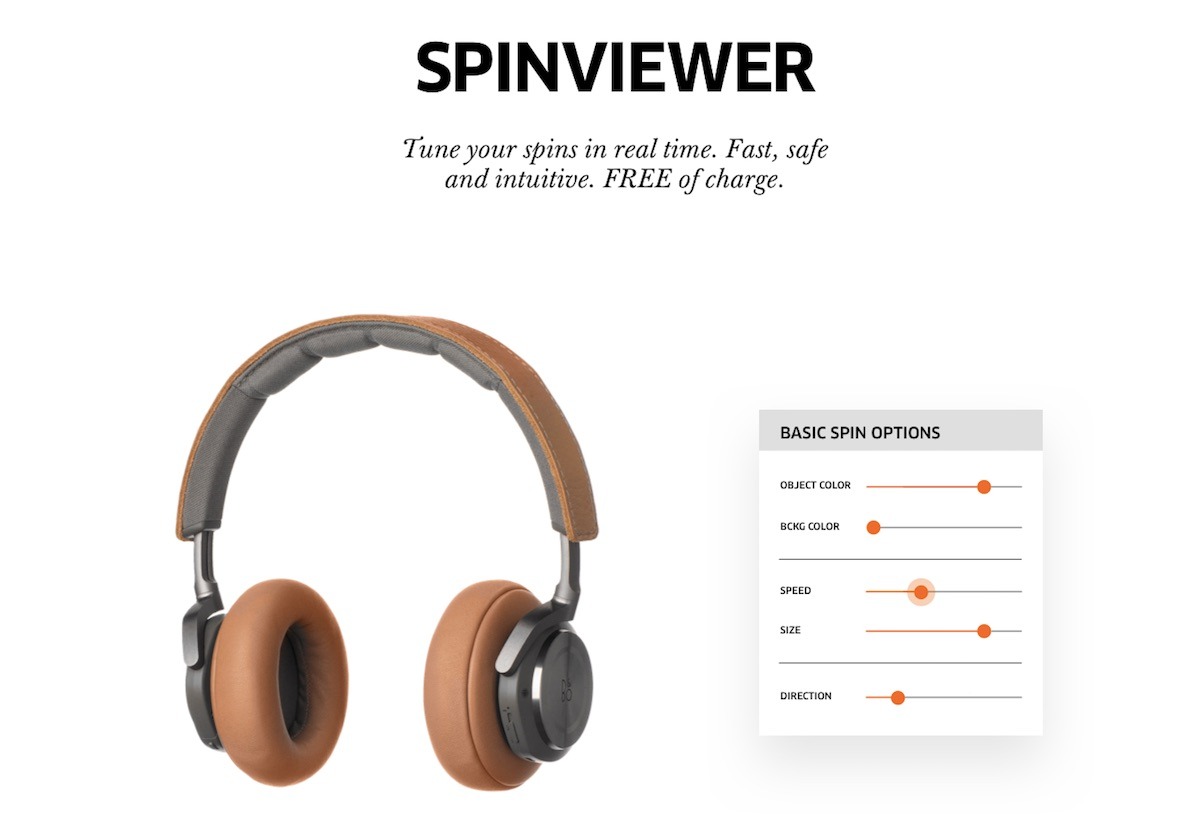
The Spin Viewer delivers the image in the appropriate resolution (depending on end-user device) directly from the cloud to the customers with the incredibly fast speeds of Google CDN.
Robot Controls and API for Automation & Development
The standard means for control of every PhotoRobot machine is the built-in communication interface. This web-based interface allows for control of PhotoRobot via a webpage on desktop or on mobile. Its primary use is as a service interface, although some users operate the system this way. To identify the robot in a local network and establish the communication, first, the user is able to locate the robots directly in PhotoRobot Controls App. That, or it is possible to use the PhotoRobot Locator app, which is available for download via PhotoRobot Controls Account - Downloads.
Note: To control not only the robot but also cameras, lights, and other equipment from one interface, use of PhotoRobot Cloud API is recommended. The Cloud API works by providing the app control over capture, including operation of all studio gear. There are no geographical limitations related to studio locations. In effect, the Cloud API is able to connect full studio workflows, even remotely, providing a stream of images and metadata.
Alternatively, there is the Control Unit API, allowing for only management of the machine movements, inputs, and outputs. However, due to its complexity and inability to control equipment other than the robot, the Control Unit API is not the preferred method of control. This API controls the robot only; it is not an API for cameras, lights, and other studio hardware or software – which require the manufacturer’s own API versions. Although, if strictly required and requested by the customer, the Control Unit API is available by special request through your PhotoRobot sales representative.
Regarding image processing, use of either the local or cloud version of PhotoRobot Controls App is best and recommended. PhotoRobot API manages backstage processes, such as shooting list import, file export and other crucial processes. At the same time, due to the complexity of the shooting process, there is greater control over the capturing sequences when using PhotoRobot Controls.
PhotoRobot Cloud API & Developer Platform
For technical IT teams, the PhotoRobot Developer Portal facilitates seamless cloud integrations with enterprise-grade security. The portal connects to the PhotoRobot Developer Platform – the ultimate toolkit for building custom, highly scalable photography workflows.
Using PhotoRobot Cloud APIs, tech teams are able to build reliable integrations which fully connect their studio. This helps bridge the gap to full studio automation, accounting for more than just hardware sequences. It allows for complete integration of automated product photography into catalog and media pipelines.
PhotoRobot APIs can create product items, automate capture workflows, and deliver processed images through scalable hosting feeds. There is enterprise-grade standardization, with completely unified API responses, standardized payloads, shared validations, and clearly defined error codes.
Thus, integrations are both robust and predictable, while advanced safe-guards help to ensure bullet-proof data consistency. All the while, developers are able to test and implement rapidly, taking advantage of interactive endpoint references. For an overview on using the Developer Portal, refer to Introducing the PhotoRobot Developer Platform.
PhotoRobot Intelligence (PI) BYOK
If introducing artificial intelligence models into workflows via API, there is the PhotoRobot Intelligence (PI, π) BYOK infrastructure. BYOK in PI allows PhotoRobot customers to meet the highest enterprise standards, offering support with organization-level control for most major AI model providers.
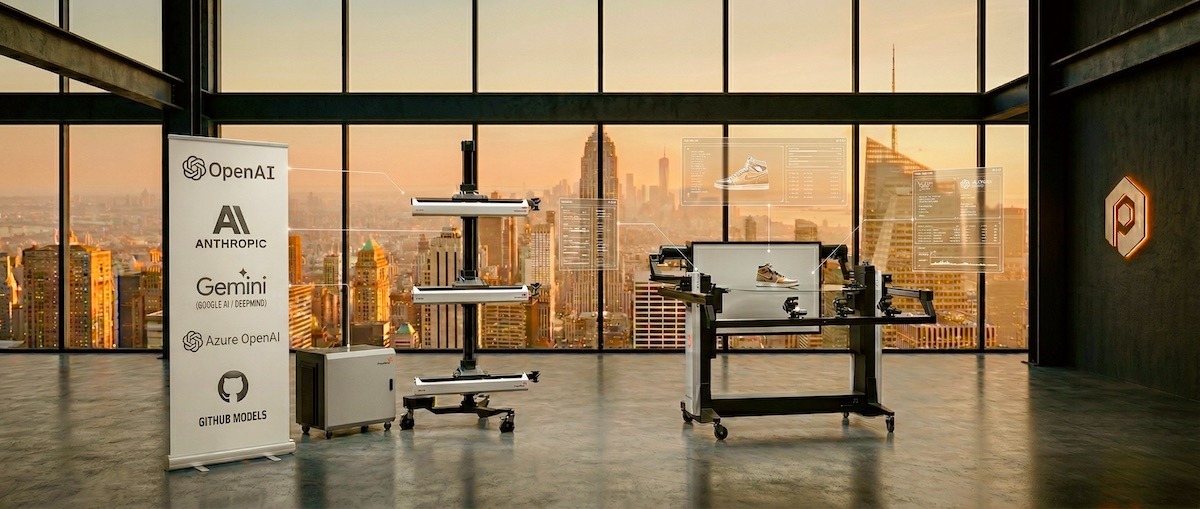
In PhotoRobot Controls, it is possible to simply insert your own API key from the provider with whom your company already has an Enterprise Agreement. PI architecture supports the most robust players on the market like OpenAI, Azure OpenAI, Anthropic, Google AI (Gemini), and GitHub Models.
There are also no hidden data brokering fees, so customers only pay for the computing power directly to their cloud provider at the negotiated corporate rates. Then, with secure connectivity, studios are able to perfectly align operations using new intelligence models with internal policies, security requirements, and corporate cost strategies.

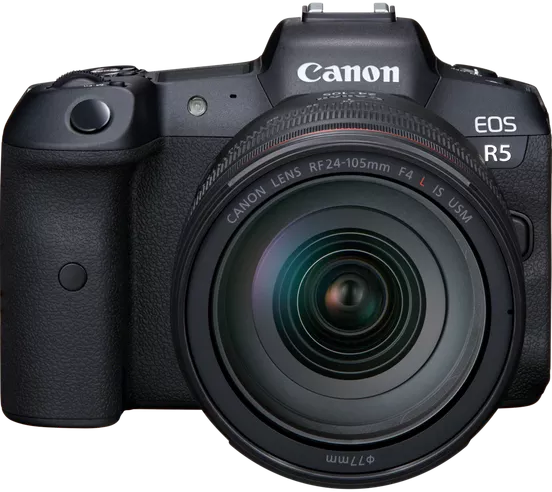
EOS Rebel Series
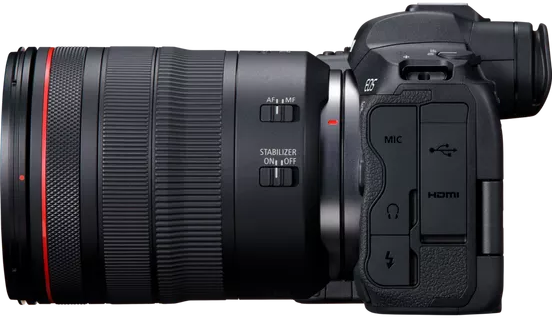
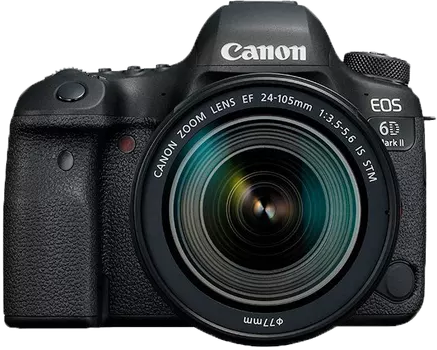
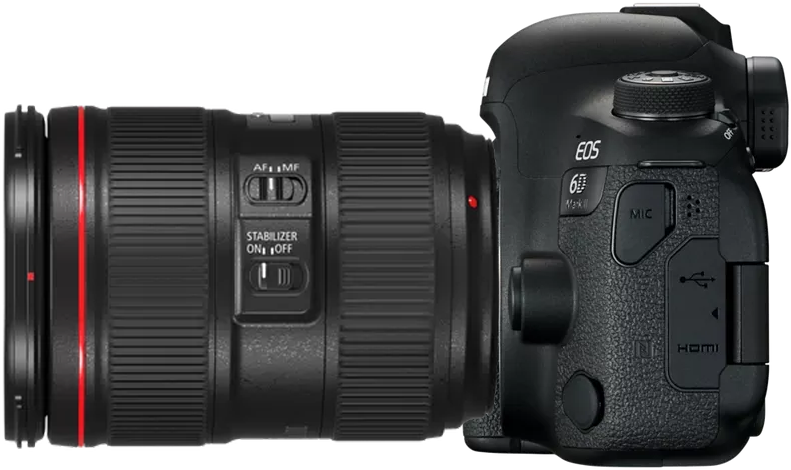
EOS DSLR Series
EOS M Mirrorless Series
PowerShot Series
Close-Up / Handheld
The Canon EOS Rebel Series offers beginner-friendly DSLR cameras with solid image quality, intuitive controls, and versatile features. Ideal for photography enthusiasts, these cameras provide reliable autofocus, vari-angle touchscreens, and Full HD or 4K video recording.
Connection
Resolution (MP)
Resolution
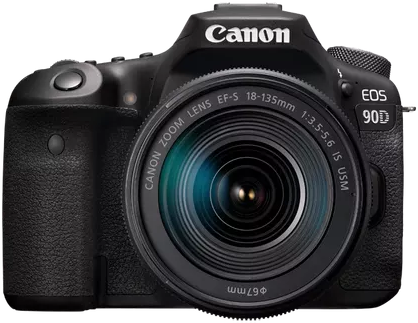
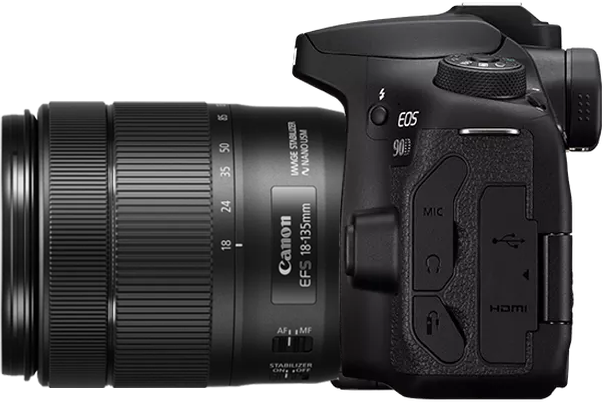
The Canon EOS DSLR Series delivers high-quality images, fast autofocus, and versatility, making it ideal for both photography and video production.
Connection
Resolution (MP)
Resolution
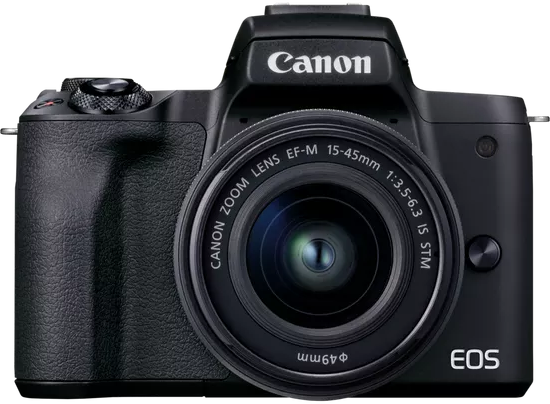
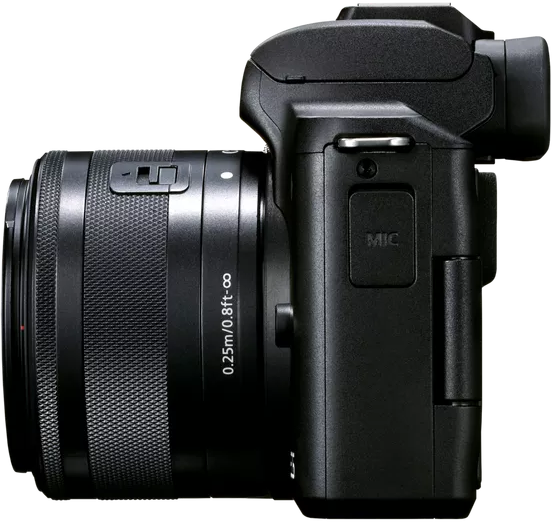
The Canon EOS M Mirrorless Series combines compact design with DSLR-like performance. Featuring interchangeable lenses, fast autofocus, and high-quality image sensors, these cameras are great for travelers and content creators seeking portability without sacrificing image quality.
Connection
Resolution (MP)
Resolution
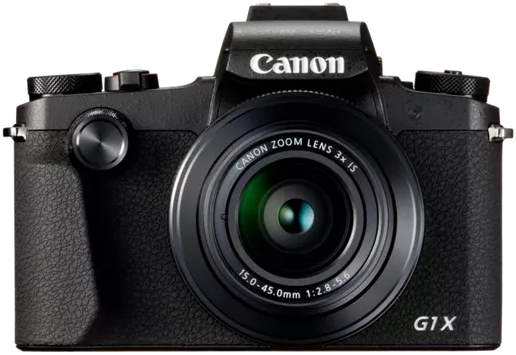
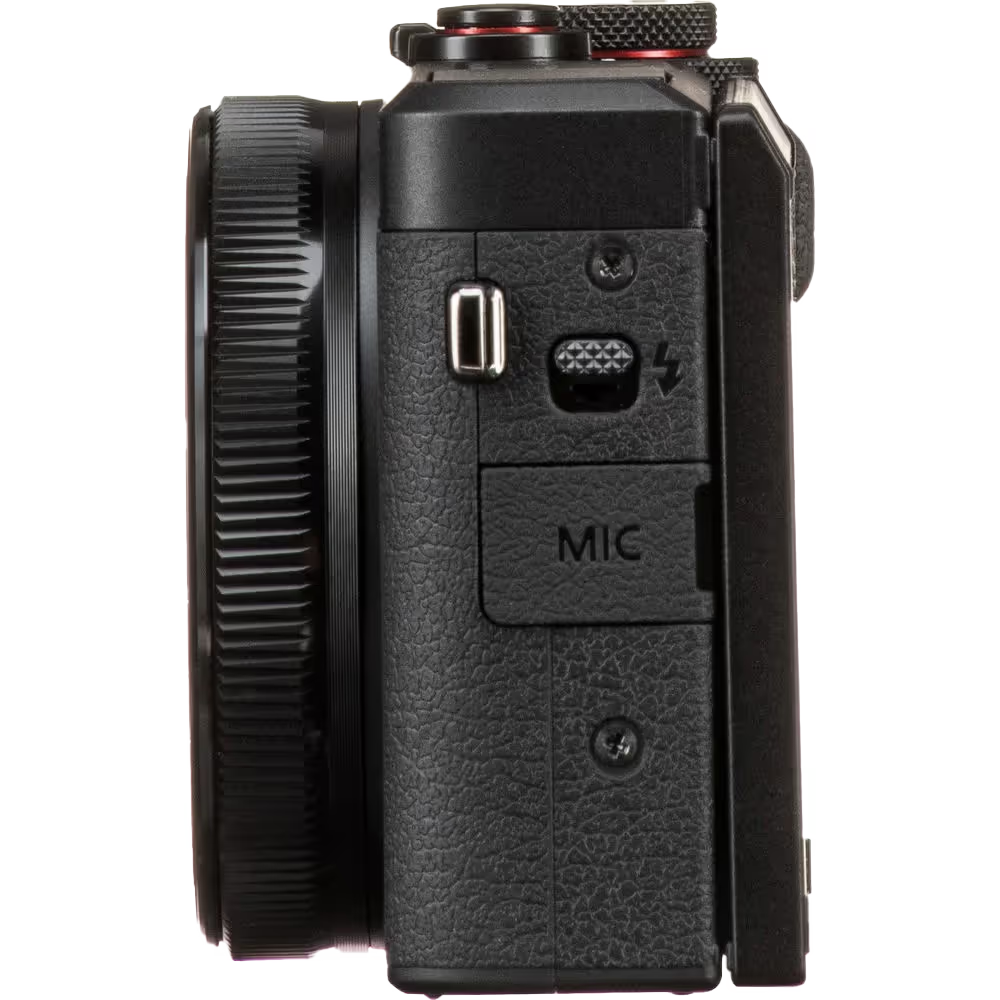
The Canon PowerShot Series offers compact, user-friendly cameras for casual shooters and enthusiasts. With models ranging from simple point-and-shoots to advanced zoom cameras, they provide convenience, solid image quality, and features like image stabilization and 4K video.
Connection
Resolution (MP)
Resolution
The Canon Close-Up & Handheld Cameras are designed for detailed, up-close photography and video. Compact and easy to use, they offer precision focus, high-resolution imaging, and versatile macro capabilities—perfect for vlogging, product photography, and creative close-ups.