
3D & AR
PhotoRobot machines in 3D and AR
Rotate real 3D models of our machines on screen, or place them life-size in your own space with augmented reality. No CAD software, no guessing whether a setup fits your studio.

Drag to rotate · scroll or pinch to zoom
Scan with your phone
Opens this page on your phone, where you can place the model in your space (iPhone, iPad and Android).
On iPhone and iPad, AR downloads about 3.2 MB. Wi-Fi recommended.
A raw photogrammetry scan made on PhotoRobot equipment. Drag it to rotate, or open it in AR on your phone.
Studio fit-check
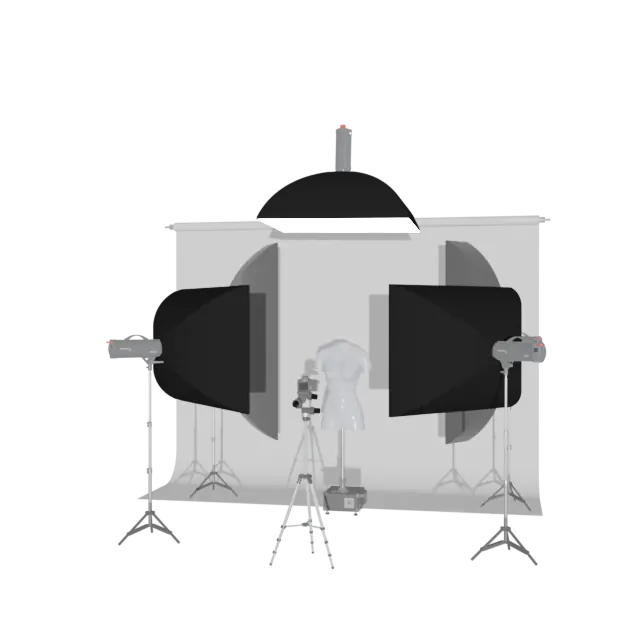
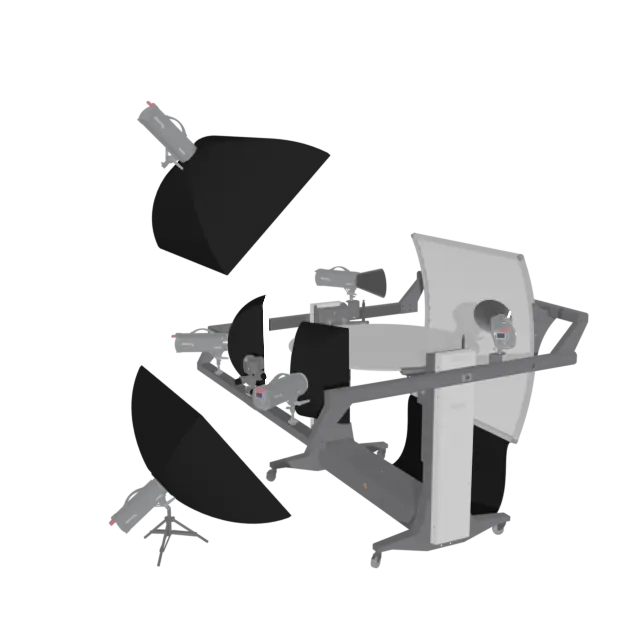
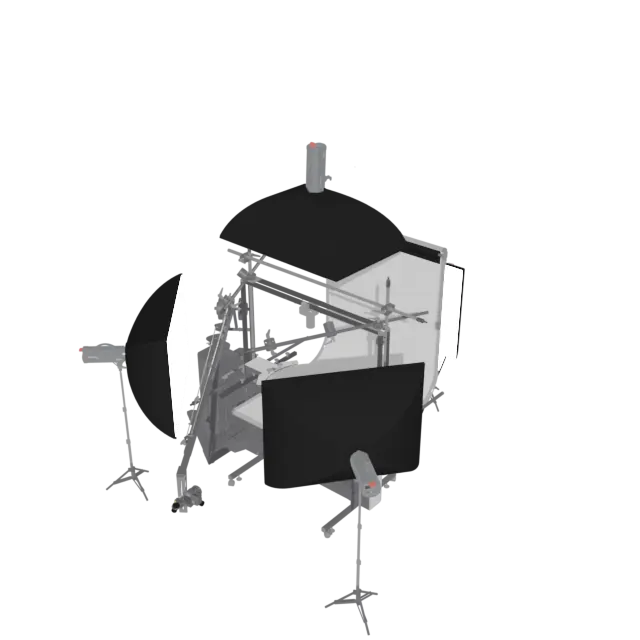
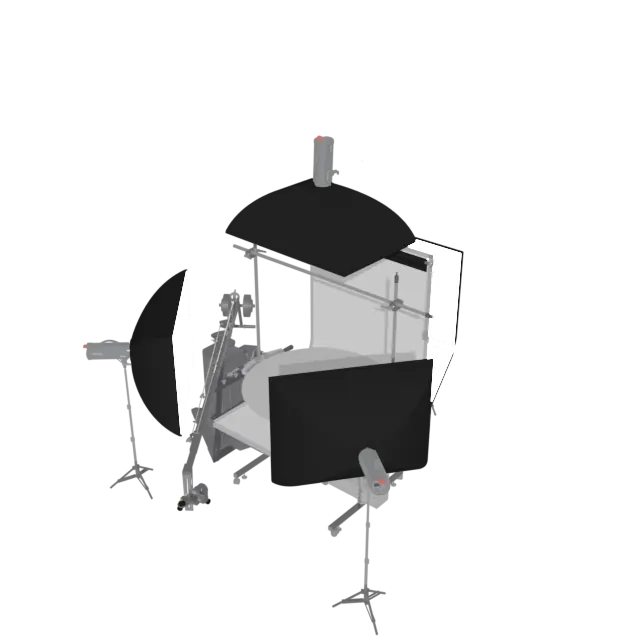
Walk into your studio, or the room where you plan to build one, and place the full assembly of machine, arm and lights life-size with AR before you commit to anything.
Leave enough room around it: space to move for adjustments and servicing, and space for the flow of products, from the items waiting to be photographed to the ones already done. A PhotoRobot is only as fast as you can feed it.
-
-
-
-
-
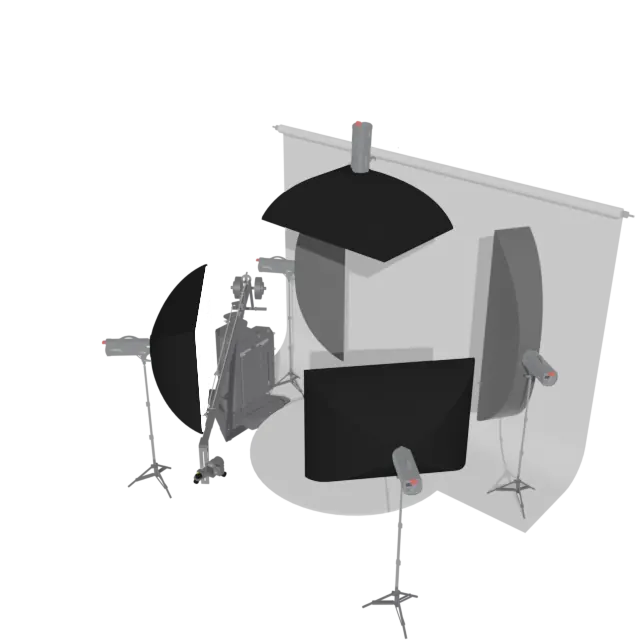
-
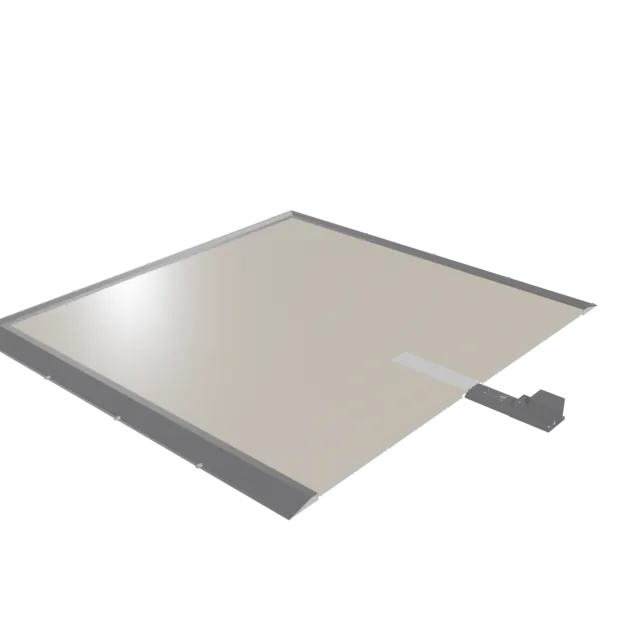
-
-
- 3D model
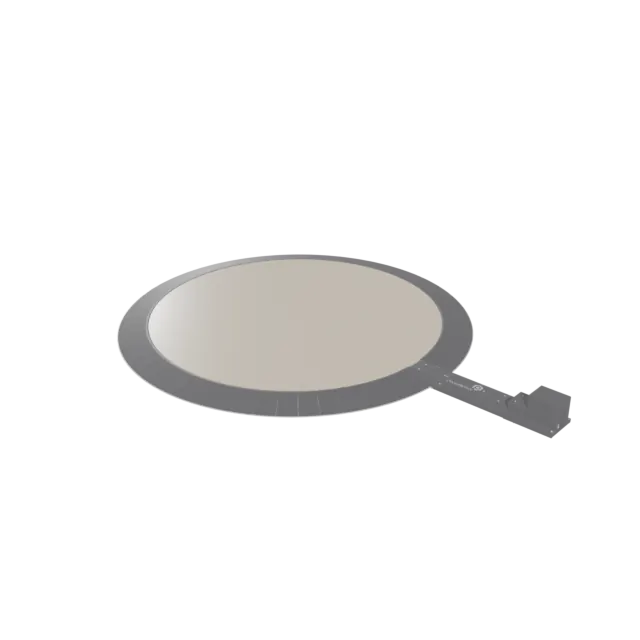
in preparationCL850
Centerless Table with 850 mm glass plate. Centerless Table product page
- 3D model
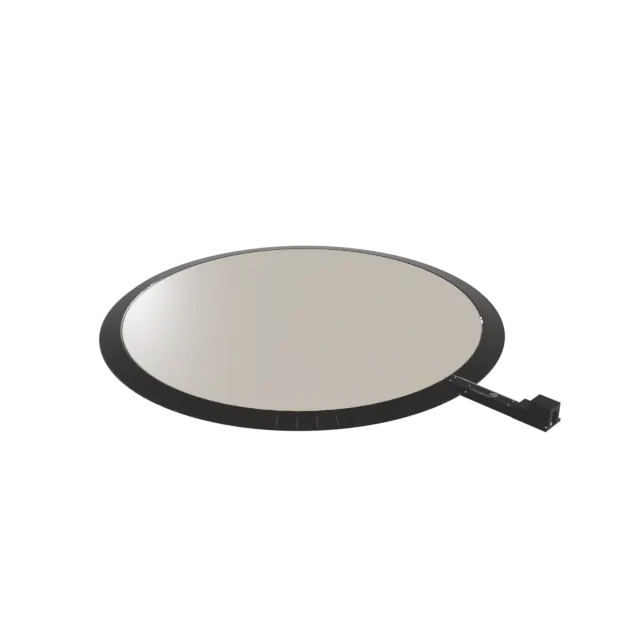
in preparationCL1300
Centerless Table with 1300 mm glass plate. Centerless Table product page


CAD-based models. These are models of the equipment, not photogrammetry scans; see the photogrammetry gallery for real scanned samples. Shown configurations may include optional or special-order accessories and are not a bill of materials.
A first check, not a site survey. AR works best on a newer iPhone or iPad (A15 chip, 2021 or later) over Wi-Fi. Before installation we go through power and network drops, the route for bringing components into the room and everything else AR can't show. If the fit doesn't quite work, talk to your PhotoRobot consultant about alternative setups.
Photogrammetry gallery
Raw, unedited photogrammetry scans captured on PhotoRobot equipment: judge for yourself how well the technique suits the character of a given object. Each capture took under two minutes, and the model was ready to publish after about five minutes of processing, depending on computer performance.
If a studio fit-check model struggles to open in AR on an older or base-storage device, these smaller scans should work without issue.
-
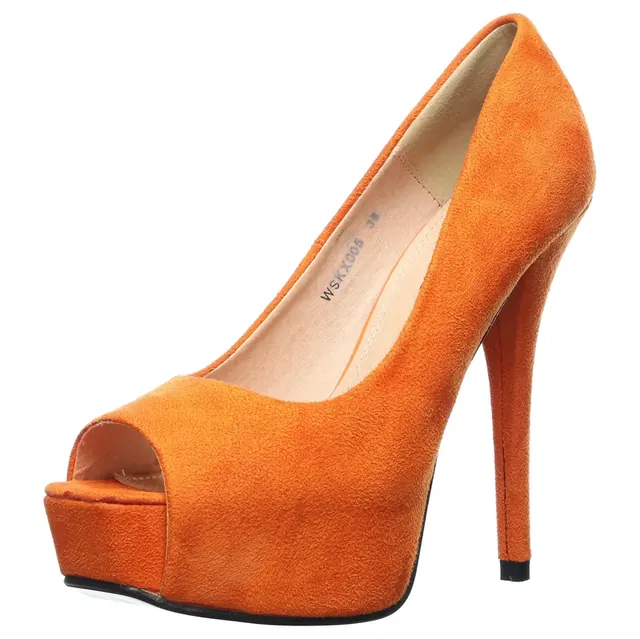
Orange Heels
Scan · 13 MB
-
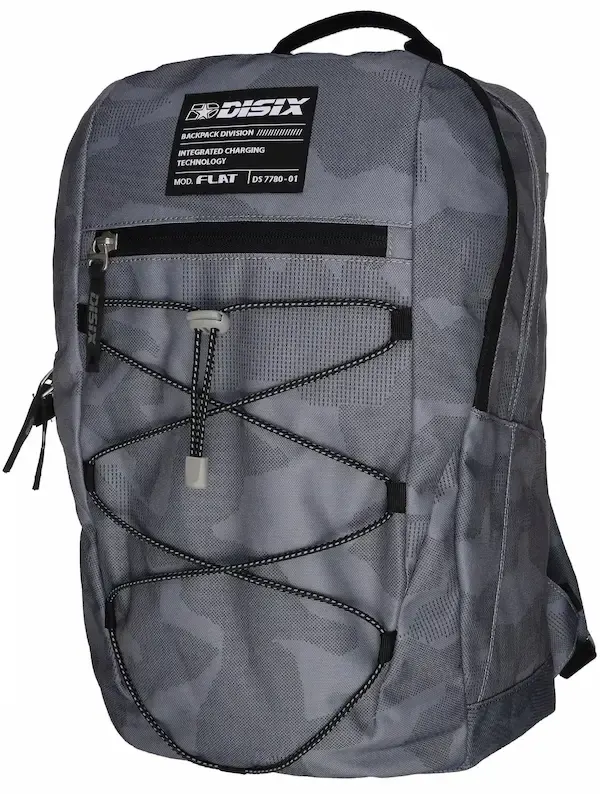
Bag
Scan · 2.2 MB
-
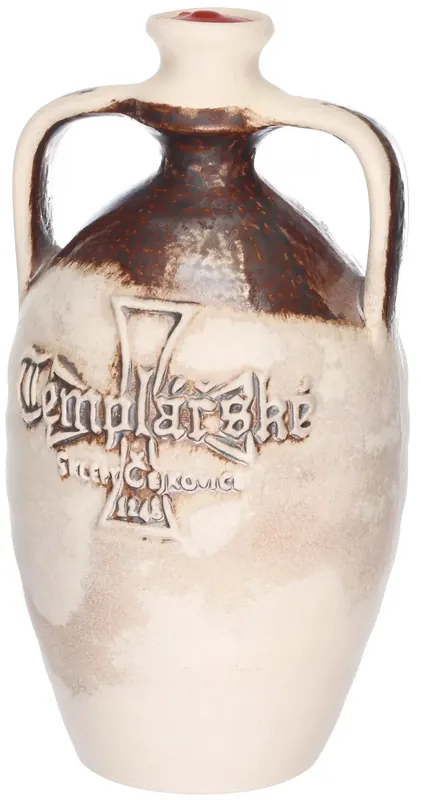
Wine Bottle
Scan · 1 MB
-
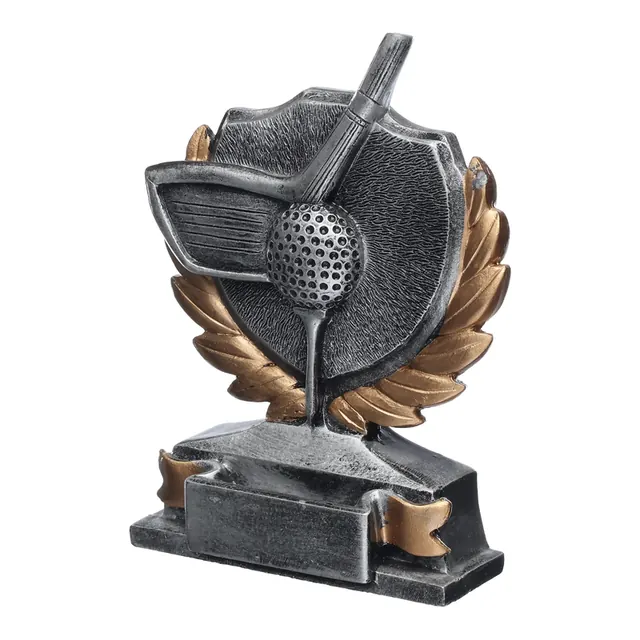
Trophy
Scan · 1.2 MB
-
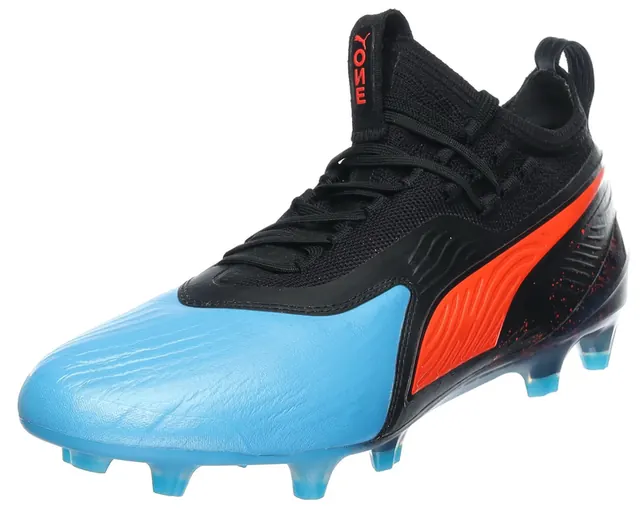
Blue Soccer Shoe
Scan · 1.3 MB
-
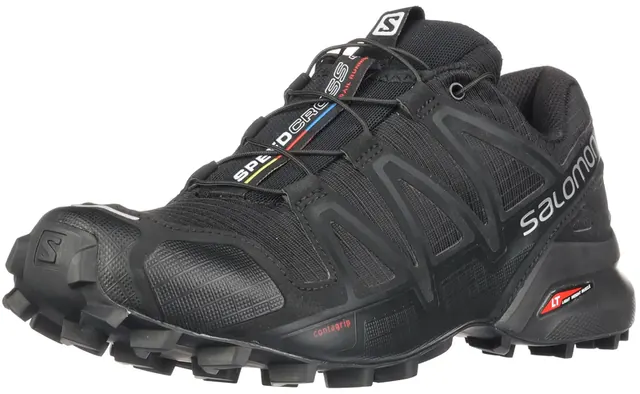
Trainer Shoe
Scan · 1.4 MB
-
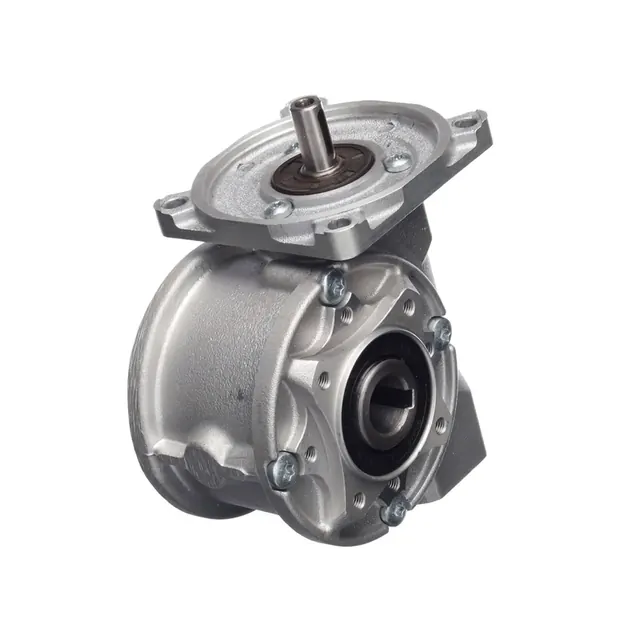
Tech Gadget
Scan · 1.6 MB
-
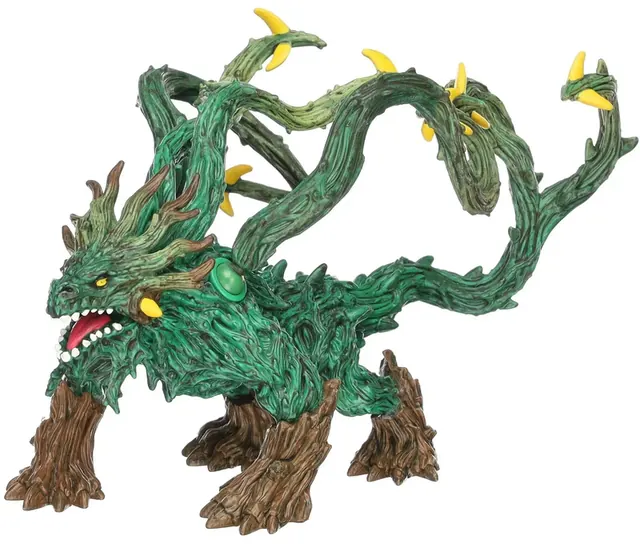
Toy
Scan · 16 MB
-
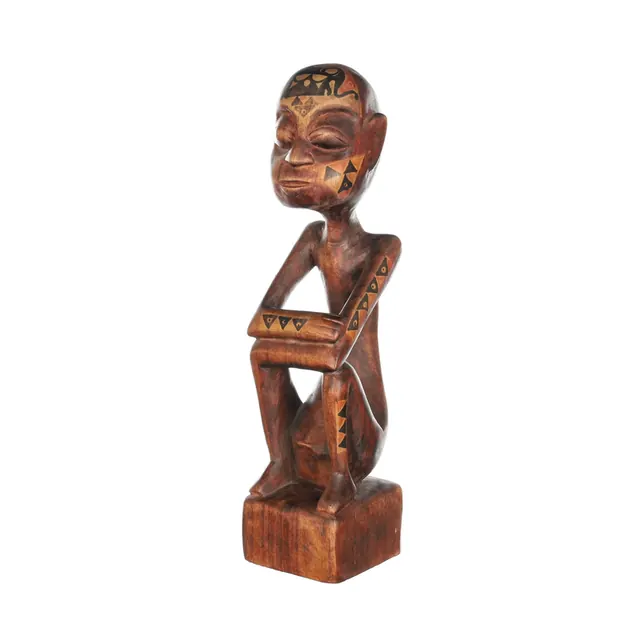
Carved Wooden Sitting Man Statue
Scan · 1.3 MB
-
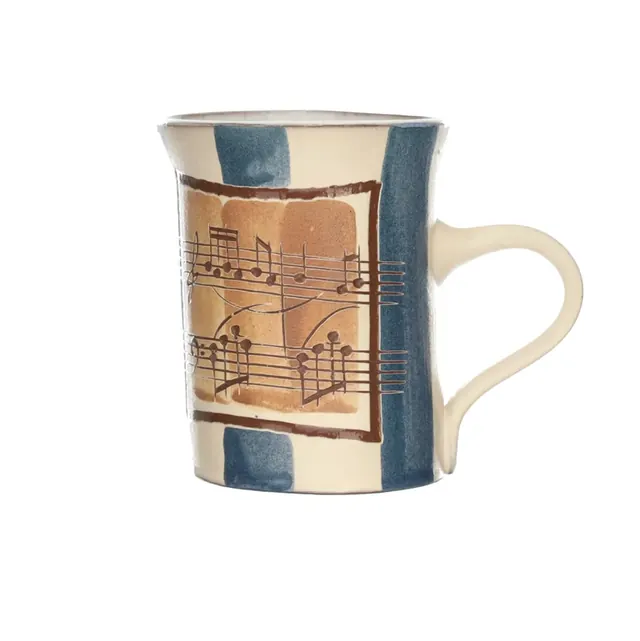
Ceramic Coffee Mug
Scan · 1.4 MB
-

English Tea Shop Box
Scan · 12 MB


Photogrammetry is one output among several: classic photo galleries, 360° spins with deep zoom, video and photo-based measurement (photometrology) round out what PhotoRobot equipment can produce. More on 3D models as an output.
How to view a model in your space
Every model opens in the browser, with no app to install. Augmented reality places it at true scale on your floor.
iPhone and iPad
Open a model and tap View in your space. AR Quick Look downloads the USDZ file and places the model on the floor at real size.
Android
Tap View in your space to open the model in Google Scene Viewer (needs Google Play Services for AR), then point the camera at the floor.
On a computer
Rotate and zoom the model with the mouse. To try AR, click View in AR on your phone and scan the QR code: the same model opens on your phone.
Planning a new studio?
Send us the room dimensions and what you photograph. We'll suggest a setup and the 3D models to check it with.