Train your studio teams from the ground up
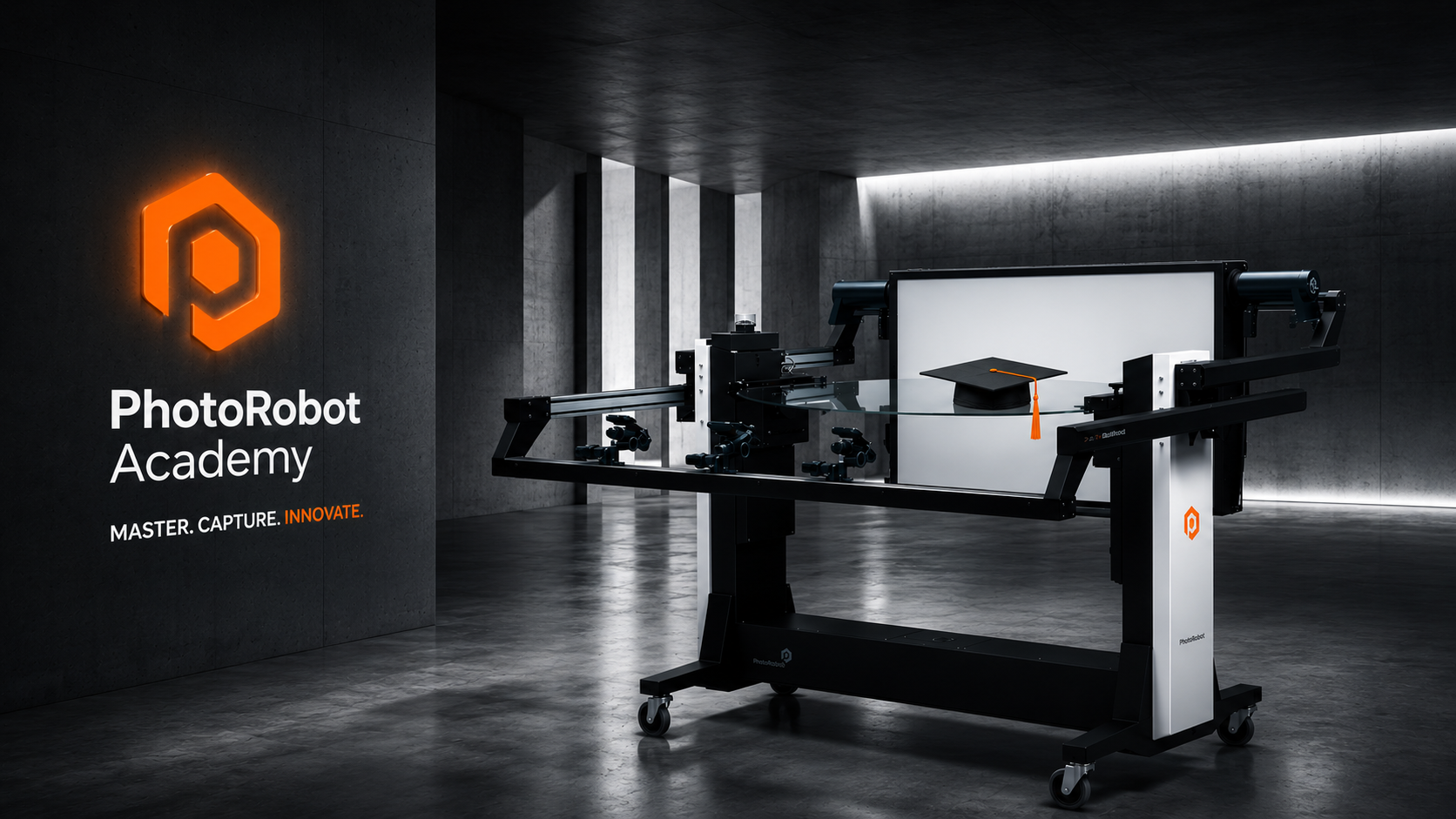
Train your team. Certify their work. Run studios like production lines. PhotoRobot Academy is the official training and certification system for the PhotoRobot ecosystem.
PhotoRobot Academy turns operators, studio managers, network specialists, hardware specialists, integrators, and certified instructors into certified PhotoRobot professionals — online, on-site at PhotoRobot, or in your own studio. Plus five specialty cert tracks for domain-specific work (OCR, 3D Modeling, PINK clinical photography, Virtual Catwalk, Carpet). Same curriculum architecture, three delivery formats, one credential per role.
Why train your team on PhotoRobot
Academy training compresses years of operating experience into role-based curricula. Teams reach production fluency in weeks, not seasons.
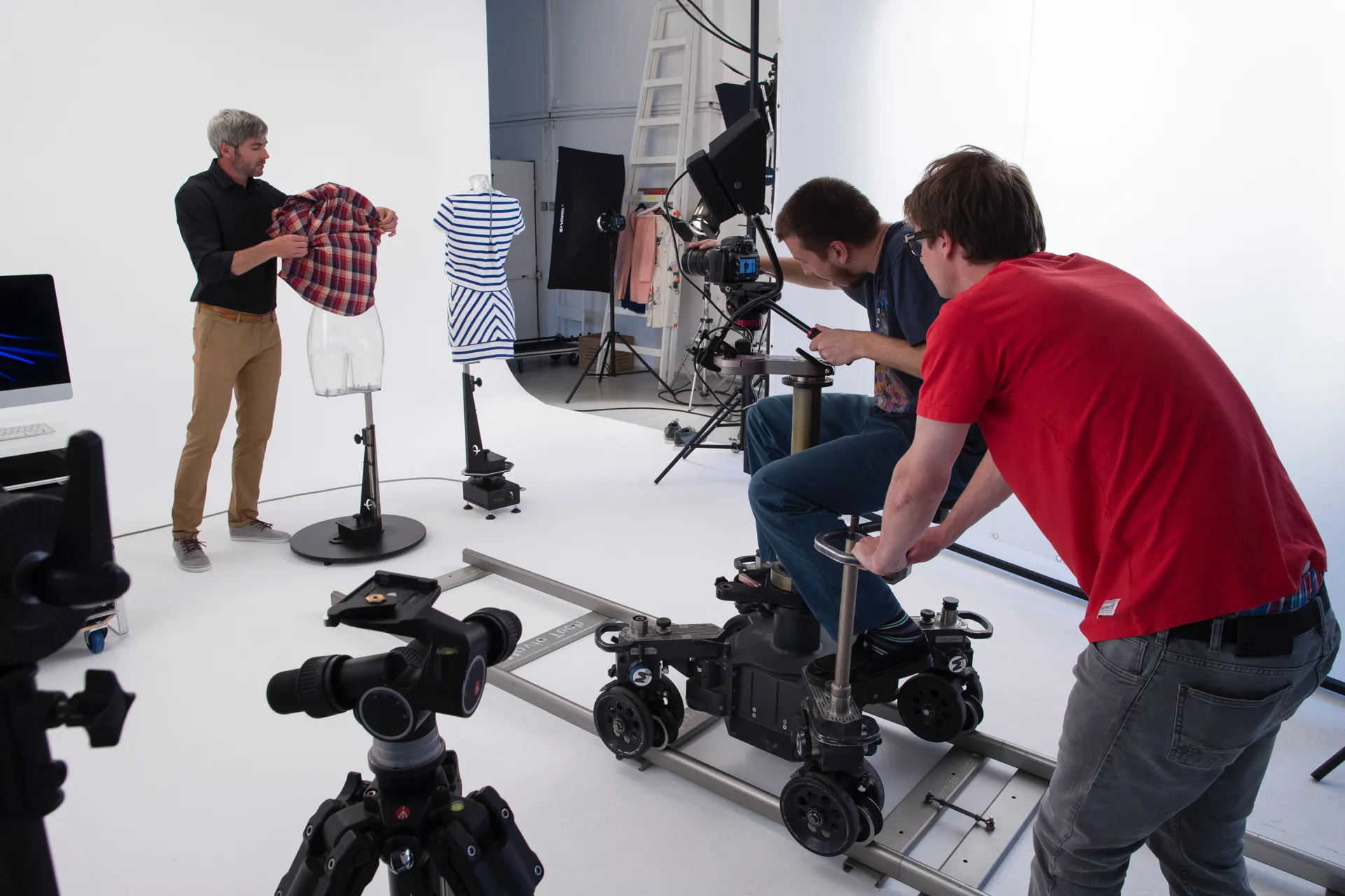
- Production cadence, not improvisation. For standard catalog work, certified operators run at roughly one product per minute: capture takes under 20 seconds and automatic post-production handles the rest. Heavy items and custom setups scale accordingly. Certification checks that the team has internalized this discipline, not memorized buttons.
- Same standard, every studio, every shift. Standardized capture mechanics, locked color discipline and repeatable editing recipes keep imagery consistent across operators, shifts and locations.
- Credentials that hold up in an audit. Each certificate documents who passed which exam, when, and for how long it is valid. Customers use them in supplier qualification, vendor evaluations and service-level agreements.
- Day-one productivity. New operators complete Operator Standard in a 2-day intensive (or the self-paced equivalent) and are production-ready afterwards. Without structured training, ramp-up typically takes 6–12 months of trial and error.
How it works
1 — Choose a package
Each role has its own package. Pick the one that matches the work:
Foundational tracks (6, role-based):
- Operator Standard — 12 modules · ~14 hours self-paced / 2-day intensive in-person. The broadest entry point. For operators running the equipment day-to-day. Cert exam + 2-year refresh live.
- Studio Manager Essentials — 6 modules · ~14 hours self-paced / 2-day intensive in-person. Strategy, KPIs, workspace + recipe libraries, data plumbing, Industry 4.0 readiness. Cert exam + 2-year refresh live.
- Network Specialist Essentials — 6 modules · ~8 hours self-paced / 1-day intensive in-person. Studio network architecture, troubleshooting & recovery, multi-site networks. Cert exam + 2-year refresh live.
- Hardware Specialist Essentials — 7 modules · ~10 hours self-paced / 1–2 day intensive in-person. Hardware anatomy, installation handover verification, maintenance & field troubleshooting. Cert exam + 2-year refresh live.
- Integrator Essentials — 8 modules · ~12 hours self-paced / 2-day intensive in-person. PhotoRobot API V2, webhooks, viewer embedding, ERP / PIM / DAM connectors, shooting-list integration, OCR & custom data extraction. The most advanced foundational track — sits on top of the foundations the other roles cover. Cert exam + 2-year refresh live.
- Instructor Certification (CI) — 4 modules · ~12 hours self-paced + observation hours. Two-tier model: Certified Instructor (CI, operational delivery) + Course Director (CD, governance + curriculum). For senior PhotoRobot staff and external instructor candidates qualifying to deliver Academy training.
Specialty tracks (5, domain-based — stack on top of a foundational cert):
- OCR Specialist — 4 modules · ~5 hours self-paced. Retail planogram, pharma labeling, GS1 compliance. Builds on I04.
- 3D Modeling Specialist — 4 modules · ~6 hours self-paced. Photogrammetry pipeline + capture discipline + post-capture QC + delivery integration.
- PINK Specialist — 4 modules · ~4 hours self-paced. Operator certification for the PINK device (mastectomy clinical photography). Kiosk wizard configuration, patient communication discipline, privacy + safety, integrated videocall with consulting physician.
- Virtual Catwalk Specialist — 4 modules · ~4.5 hours self-paced. Live-model motion capture in studio, single-camera technique, continuous lighting (Fresnel / ARRI / FOMEI) for video, post-production for catwalk-feel delivery.
- Carpet Photography Specialist — 4 modules · ~4.5 hours self-paced. PhotoRobot Carpet Studio operation (Carousel 3000/5000 rotary platform + drive-up ramps + 7-camera fixed rig + cyclorama + CAPP wizard mode) + lighting discipline + Carpet & Flooring Visualizer integration for virtual-room product browsing. Equipment-gated.
See the specialty tracks roadmap for full design + cross-specialty stacking patterns.
Hands-on by design. Every track is built around the equipment your team will operate. On-site sessions train on your installed equipment — what’s installed is what we cover. PhotoRobot Klecany has the full lab — useful for pre-installation team prep, cross-equipment certification, or when on-site equipment isn’t yet available. Sales scopes the right format for your studio’s installed (or planned) equipment.
Each package leads to a verifiable PhotoRobot certificate with a 2-year validity window. Refresh exam before expiry to extend.
2 — Pick a delivery format
The same curriculum, canonical delivery formats with fixed scope and pricing — plus extended formats available on request.

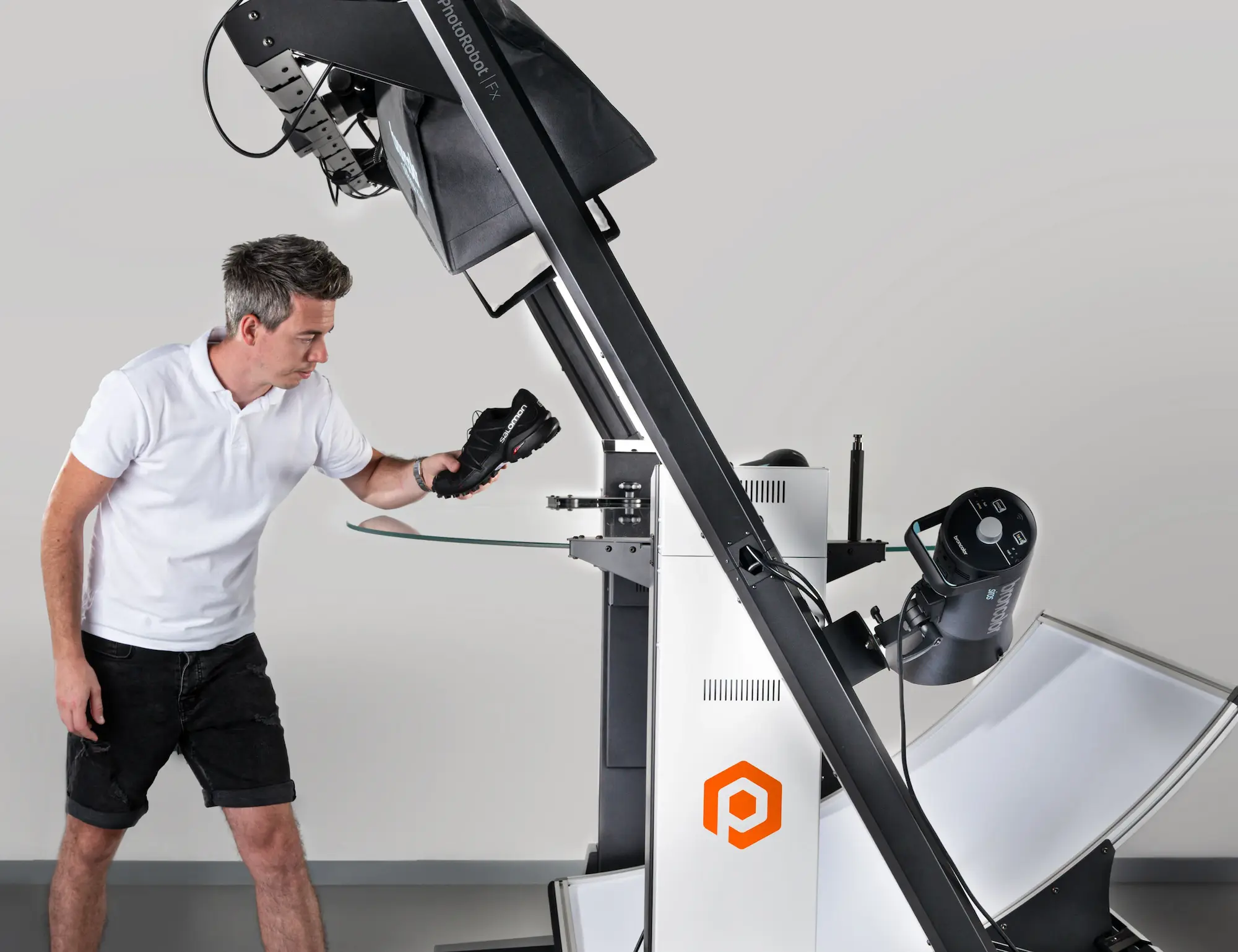
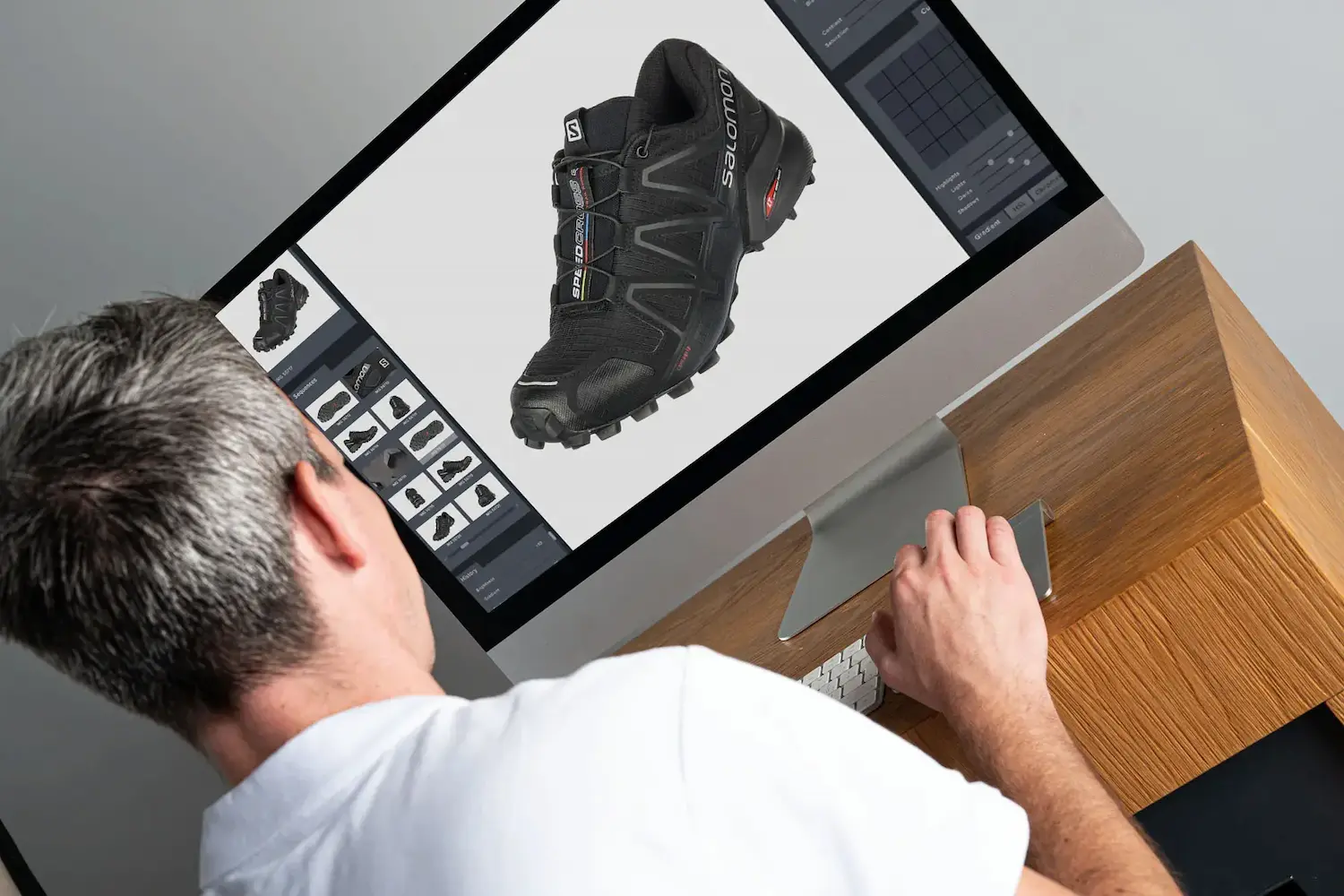
- Online — self-paced, on this Academy site, with module knowledge checks and a final certification exam. Typically completed in 2–3 weeks at your own pace. Best for studios training one or two people who can dedicate a few hours per week.
- At PhotoRobot studio — 2-day intensive group training in Prague, hands-on with real equipment. Best for new customer onboarding when a small team wants to get certified together. For individual learners and free agents without a customer engagement, see the public sessions calendar — open-enrollment cohorts at Klecany, per-student pricing.
- On-site at your studio — 2-day intensive with a PhotoRobot Certified Instructor traveling to your team. Same scope, your equipment. Best when the team can’t travel, when equipment-specific quirks need to be addressed live on your actual hardware, or when an installation is being commissioned (instructor follows the installation team — see “How a typical on-site week looks” below).
- Admin training add-on — 4-hour add-on to Essentials (typically scheduled the morning after the 2-day intensive). Covers user + account management, studio strategy, system maintenance, supervision. Sold as a per-studio add-on, not a standalone package.
- Integrator track — 2-day 1:1 course for experienced developers, on-site or online. API + webhook + ERP / PIM / DAM connectivity workshop. Sold as a separate engagement; assumes participant already has working developer skills.
The 2-day intensive is the canonical in-person format — fixed agenda, fixed deliverable, fixed price (see PhotoRobot sales for current rates). Extended residencies (5-day deep-dives, multi-week mentoring rotations, embedded instructor weeks) are available on request as separate engagements.
Installation vs. training — separate disciplines
A clarification we want to set straight, especially for new customers reading sales materials: installation and training are two separate disciplines that happen to share the same week. The 12 hours bundled with each machine kit is hardware installation labor — assembling the equipment, commissioning the network, validating cabling, doing the first test capture. It is not the operator training course.
In the last 60–90 minutes of installation, the install team typically shows the customer’s staff “where the power switch is and what to watch out for” — that’s a safety hand-off, not a course. The actual training arrives with the instructor (who often joins the install team as a second mechanic in the first half of the week, then switches into instructor mode for the second half).
When the instructor sits down with the customer’s operators, they assume complete beginners. In the best case, the student remembers where the power switch is.
How a typical on-site week looks
The 2-day training format is designed to slot cleanly into the equipment installation week:
Europe (one installation per week, per team):
- Sunday — installation team travels to customer site
- Monday – Tuesday — installation team commissions the hardware (instructor often joins as second technician)
- Wednesday – Thursday — instructor delivers the 2-day Essentials training (the customer’s operators meet the instructor as a fresh discipline, even though they saw the same person installing earlier in the week)
- Friday morning — optional 4-hour Admin training add-on
- Friday afternoon — instructor flies home
United States (two installations per week, paired teams):
US customer cadence supports two installations per week with paired mechanic + instructor teams. The mechanics travel as pairs and complete two installations per week. Our US-based instructor (see Ben on the instructor list) follows the same rhythm: early in the week he trains the customer whose hardware came up in the back half of the previous week, then moves on to the customer installed in the first half of the current week, and flies home on Friday afternoon. The schedule fits without compromising the 2-day Essentials format.
If your installation week has unusual constraints (multiple sites, language overlap, parallel team training, additional Admin training day, follow-up integrator session), tell PhotoRobot sales at quote time — we can structure the week with extended formats or additional instructor coverage.
3 — Enroll
Customers receive a voucher code when purchasing a package through PhotoRobot sales. Each voucher is single-use, per-student, and grants access to:
- All modules in the purchased package (textbook + workbook + knowledge check)
- The final certification exam when ready
- Personal certificate (PDF) with QR-code verification on pass
First-time visitors — read the curriculum outline to see what each track covers. Your instructor can also send you the free placement test (8 questions, ~15 minutes) to tailor the pace of your course.
Your team’s certification lifecycle
- Enroll. PhotoRobot sales issues a voucher code per student per cert track. The voucher unlocks the full course material on the Academy site plus the final certification exam. Teams of 5–15 operators usually enroll as one cohort.
- Train. Students work through the curriculum at their own pace and in their chosen format. Module knowledge checks validate progress; most teams combine self-paced study with a 2-day in-person intensive.
- Pass. The final certification exam produces a PhotoRobot certificate with 2-year validity — shareable on LinkedIn, defensible in audits, usable in supplier qualification.
- Maintain. Before the certificate expires, students take a shorter refresh exam with a higher pass bar. Passing extends validity by another two years.
Why certification matters
 Pass supplier audits without scrambling. Automotive manufacturers, pharmaceutical companies and retail chains audit their suppliers’ capabilities. A PhotoRobot certificate is formal evidence of platform competence, not self-attestation.
- Commit to SLAs you can defend. Turnaround, image consistency and defect rates depend on the team. A certified team’s output is measurable and repeatable.
- Fewer of the common failures. Wrong color discipline, the wrong capture mode for the sample, lighting that flattens texture, version-control mistakes during reshoots — the cert tracks teach each of them explicitly.
- A career path that keeps your best operators. Certifications stack: Operator Standard, then a specialty track, then Instructor Certification.
What you’ll actually do
Every cert track follows the same shape — structured content + hands-on practice + knowledge checks — but the exact agenda differs by role. Studio managers and integrators usually start with Operator Standard (operator credibility with their team), then continue with their role-specific track in a follow-up session with an instructor (often the Admin training add-on the morning after the 2-day Essentials).
In-person formats — each role’s 2-day intensive has its own agenda. See each track page for detail:
- Operator Standard — Photography + HW + SW training. Day 1 — System introduction, installation, hardware/software basics, photographic workflow. Day 2 — PhotoRobot Controls software, system connectivity, practical exercises, knowledge checks.
- Studio Manager Essentials — Strategic + operational. Most commonly delivered as the 4-hour Admin training add-on on the morning after the Essentials (covering user / account / company management, studio strategy, system maintenance, supervision). The full Studio Manager Essentials curriculum is available as a longer follow-up engagement when the customer needs the strategic depth.
- Integrator Essentials — Developer-formatted 2-day 1:1 course for experienced developers. PhotoRobot API fundamentals, ERP / PIM / DAM connectivity, data workflows + automation, advanced configuration, integration troubleshooting.
Self-paced online — same modules, same exam, same certificate. Pace depends on the role and your weekly hours commitment. Typical:
- Operator Standard online: 2–3 weeks @ 4–5 h/week
- Studio Manager Essentials online: 1–2 weeks @ 3–4 h/week (shorter, fewer modules)
- Integrator Essentials online: 2–3 weeks @ 4–6 h/week (more hands-on coding)
Extended formats (5-day deep-dive, week-long residency, embedded mentoring, multi-team rotations, parallel-team training) are scoped separately with PhotoRobot sales as add-on engagements.
Get started
- Have a voucher? Enroll now
- Considering Operator Standard? See the track
- Compare all cert tracks: Cert tracks · Curriculum outline
- Ready to certify your team? Contact sales about Academy enrollment
- Have questions? PhotoRobot Support
For instructors
PhotoRobot Certified Instructors (CIs) deliver in-person classes at PhotoRobot studio + at customer sites. Instructor candidates: see the Instructor Certification Path for the two-tier model — Certified Instructor (CI, operational) + Course Director (CD, governance) — and what it takes to qualify.
Existing CIs reach the delivery notes for every module (time allocation, live demo points, Q&A anticipation, materials checklist) through their instructor login.
Languages
Course materials are currently published in English. Czech, German, French, Italian, and Chinese are planned as the content library matures.
Instructors all teach in English; several also teach in Czech, and one in Slovak — see the flags on each instructor card above for their language coverage.
About PhotoRobot
PhotoRobot makes automated photography systems for high-volume product photography studios. Founded in Prague in 2004 — 22 years of history and continuous innovation.
We operate worldwide. The majority of our installations are in North America, but our machines run in Australia, Africa, Asia, and the most demanding European studios. Geographic position of a studio is never a topic of discussion — we ship and install wherever the work needs to happen.
For the largest global customers, PhotoRobot develops bespoke solutions for high-volume throughput, special applications, and custom hardware built from standard PhotoRobot components — backed by the strong software foundation of PhotoRobot_controls.
Customers in apparel, footwear, jewelry, automotive, medical, archive / museum, and carpet industries.
Visit photorobot.com for the company, products, and case studies — or photorobot.io for the interactive configurator, live demos, and the broader product portal.
Meet your instructors
PhotoRobot Academy is delivered by a small team of senior instructors with combined decades of operating, photography, and integration experience across PhotoRobot studios worldwide. You'll meet your instructor in the welcome classroom on day one — that's where contact channels open up, the course agenda is laid out, and the hands-on practice plan is shared.


Portraits created with AI from photos of our team.