Introducing Customer Webhooks for PhotoRobot Cloud
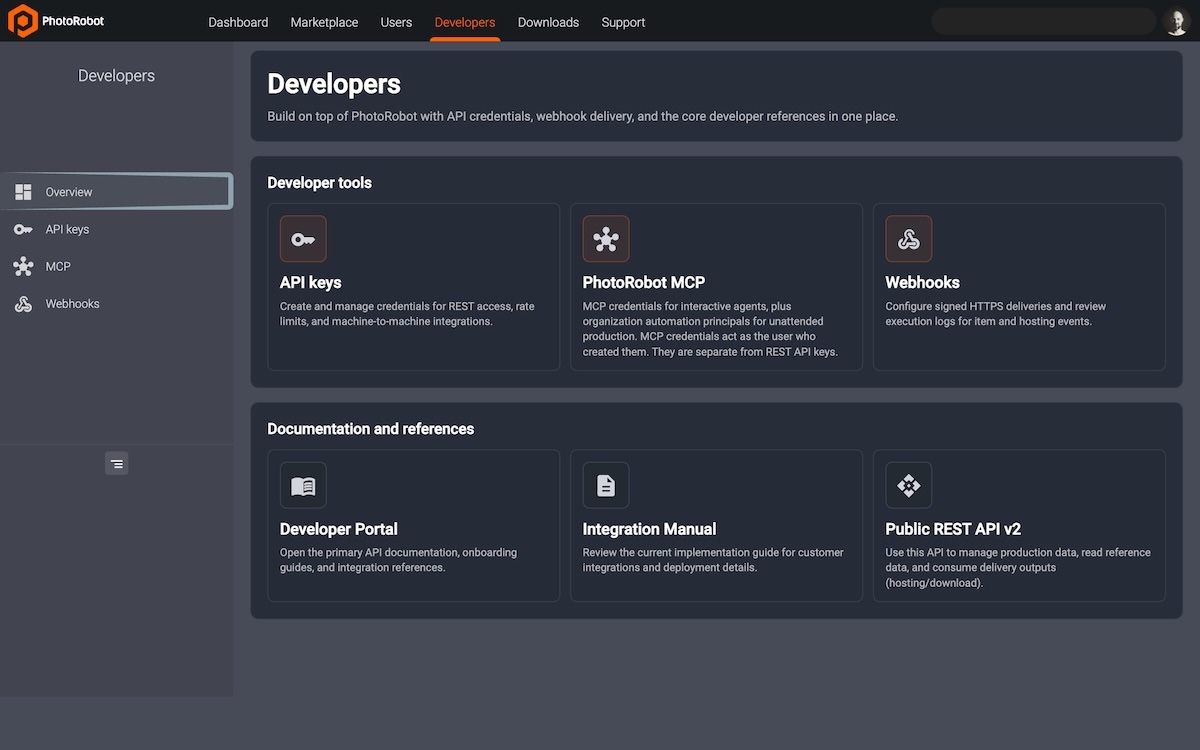
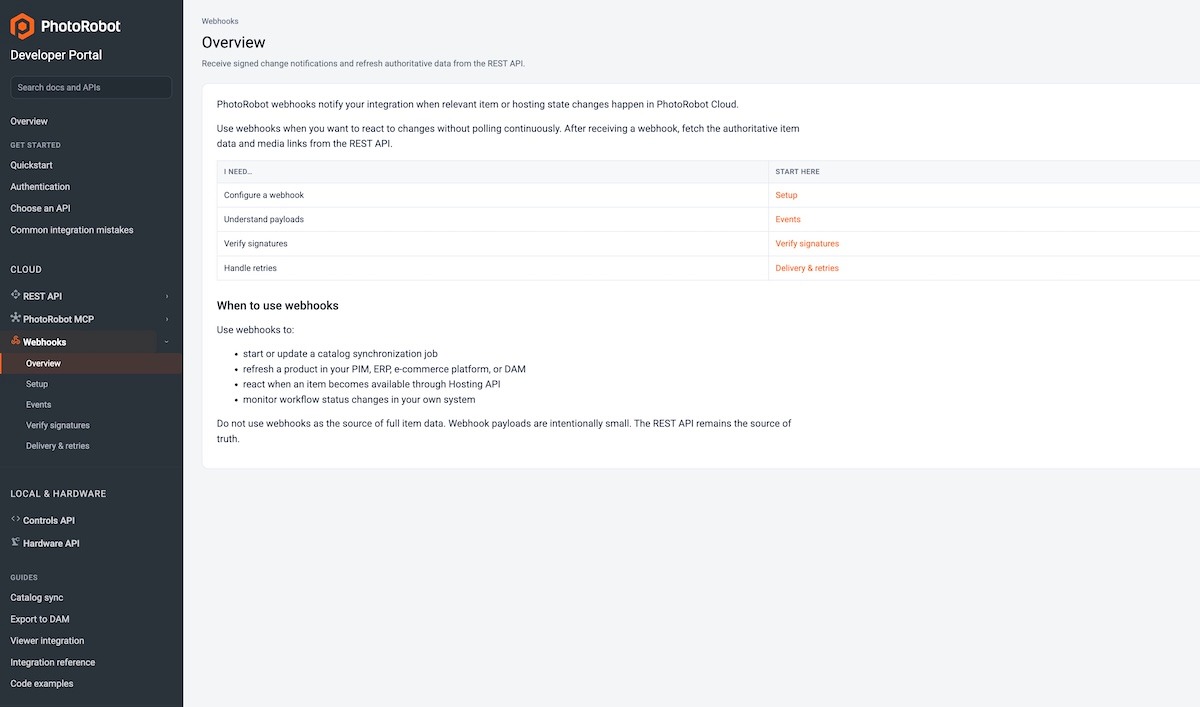
PhotoRobot introduces Customer Webhooks for PhotoRobot Cloud to connect your DAM, PIM, ERP, or custom automation with signed outbound webhooks.
Customer Webhooks for PhotoRobot Cloud
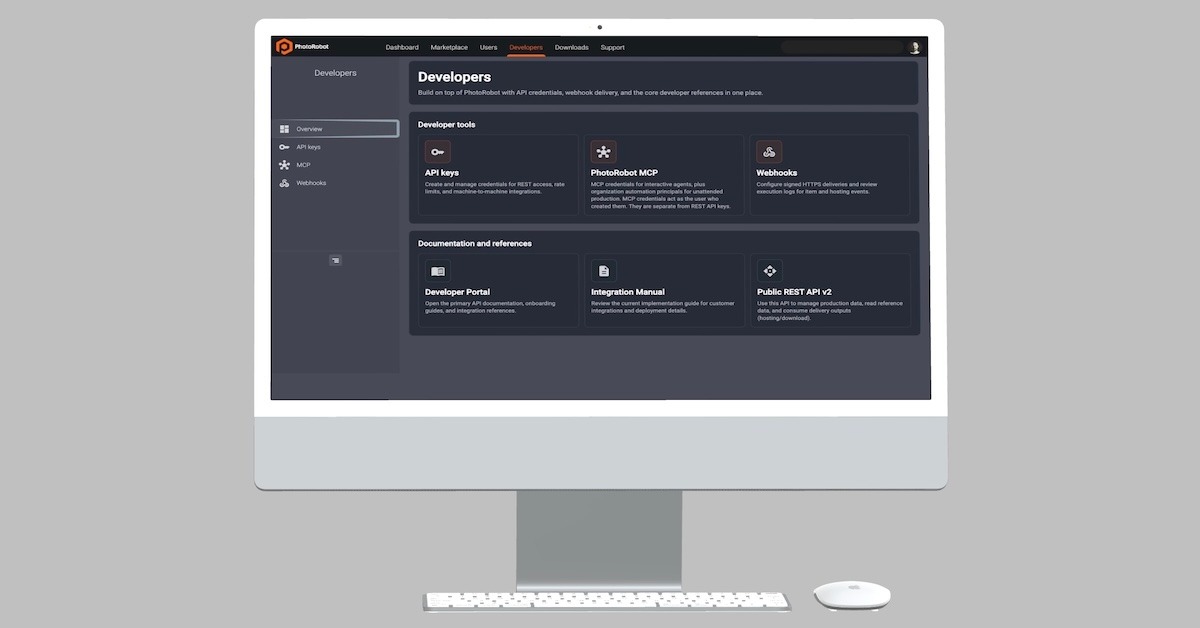
Your developers and IT teams can now connect PhotoRobot Cloud to your DAM, PIM, ERP, or custom automation with signed outbound webhooks. Customer webhooks in PhotoRobot Cloud offer reliable, event-driven data delivery – ensuring full connectivity between your studio and systems.
Close the Loop Between Your Studio and Systems
Ensure your downstream systems know when an item status changes or a hosting-availability event occurs. PhotoRobot Cloud Customer Webhooks deliver each event to your endpoints so that integrations remain event-driven – not polling-based.
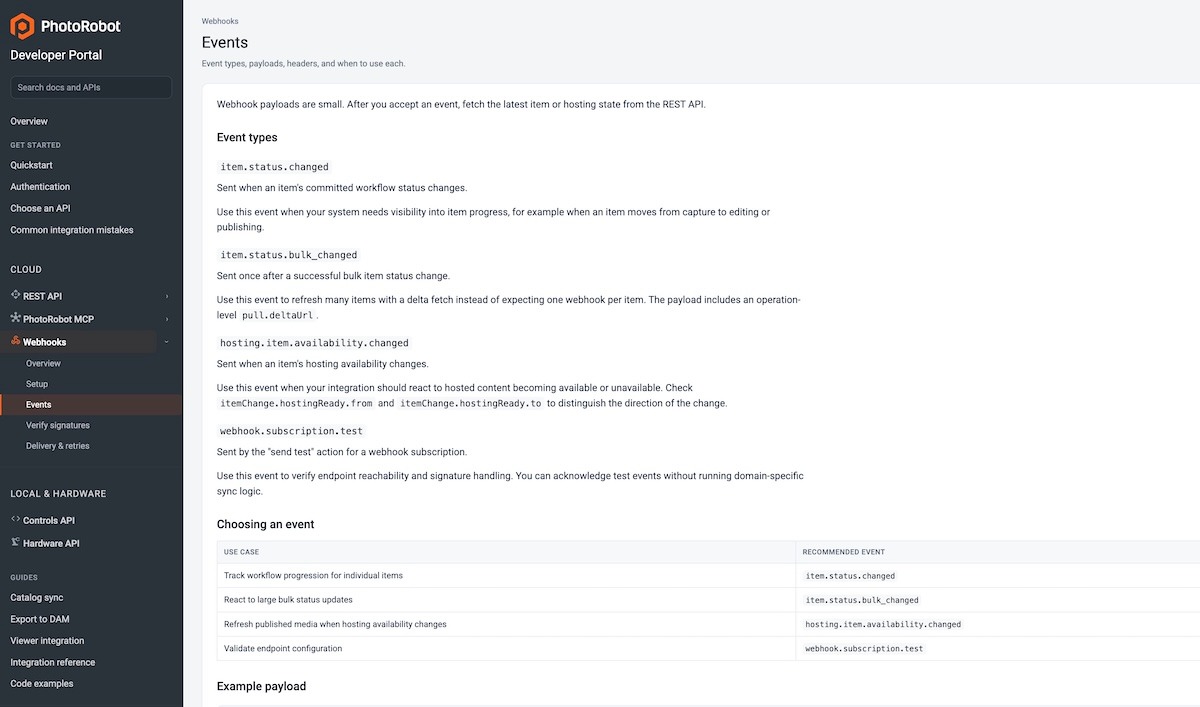
The live events are:
- item.status.changed – committed capture-status change on one item.
- item.status.bulk_changed — one event after a Cloud bulk status change.
- hosting.item.availability.changed — hosted media became downloadable or unavailable.
- webhook.subscription.test — Send test only.
Reliable, Event-Driven Data Delivery
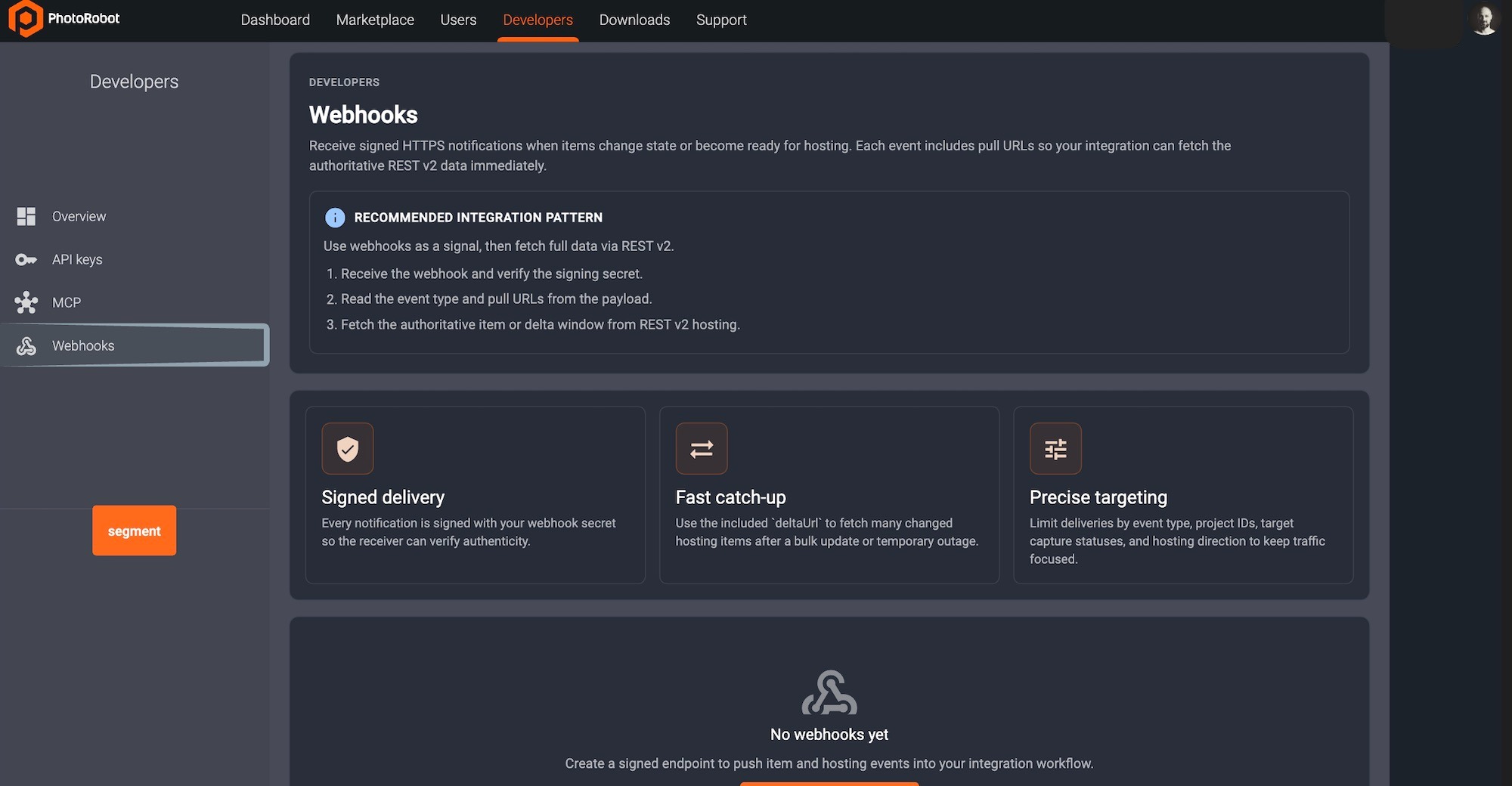
Customer Webhooks in PhotoRobot Cloud include features for:
- Outbound webhook subscriptions managed alongside your developer integrations.
- Signed HTTP delivery so receivers can verify authenticity.
- “Send test” and filters to confirm webhook subscription and signature verification.
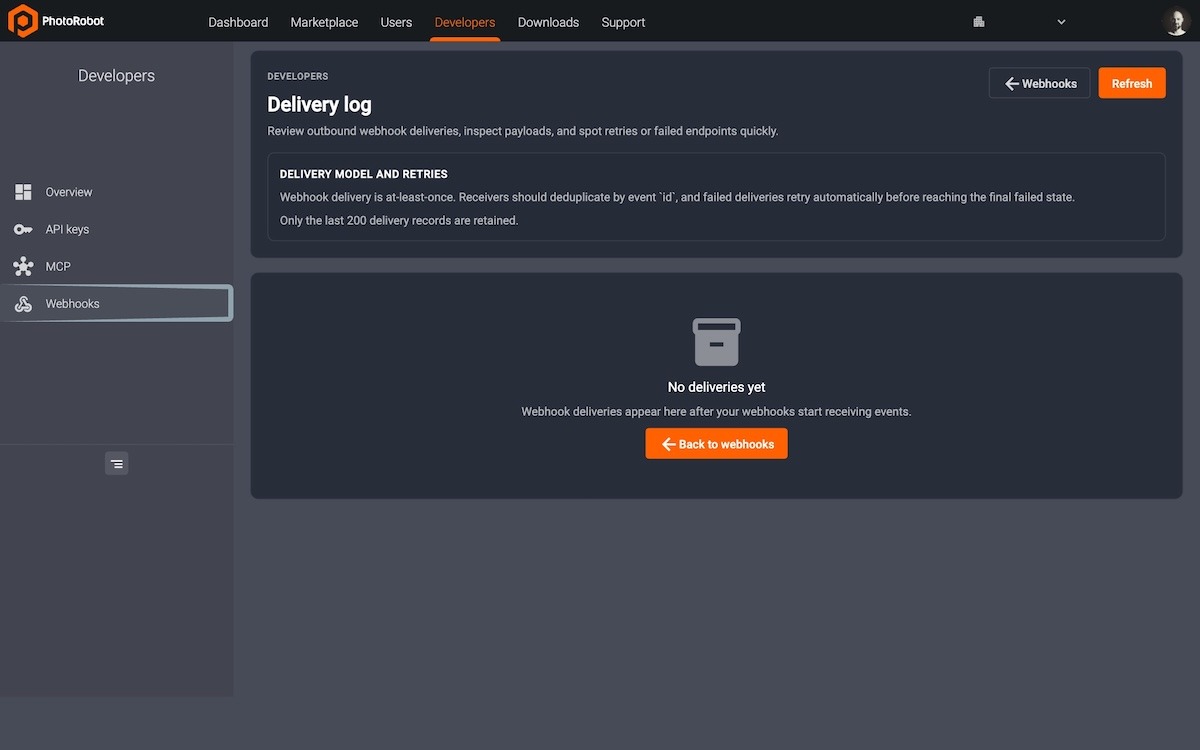
- Delivery log to inspect the payload, HTTP status, and retries.
- Developer UI under Webhooks — webhooks and deliveries live next to API keys.
Speaking Your Language for Production Integrations
Customer Webhooks are the missing link between robotized capture and company systems of record. The webhook is a signed signal, carrying only small payloads on purpose. After 2xx, the integration pulls the current item from REST v2 (pull.itemUrl / pull.deltaUrl). Webhooks can notify a publisher, or, after the pull, facilitate your team in kicking off a CDN purge or updating a marketplace listing. PhotoRobot Cloud now speaks your language for production integrations.
A Signal, Then a Pull
Payloads remain small on purpose. Each payload names the event, the organization, and (when relevant) the item, plus pull.itemUrl and pull.deltaUrl. Payloads do not carry image binaries, full folder trees, or a complete product record.
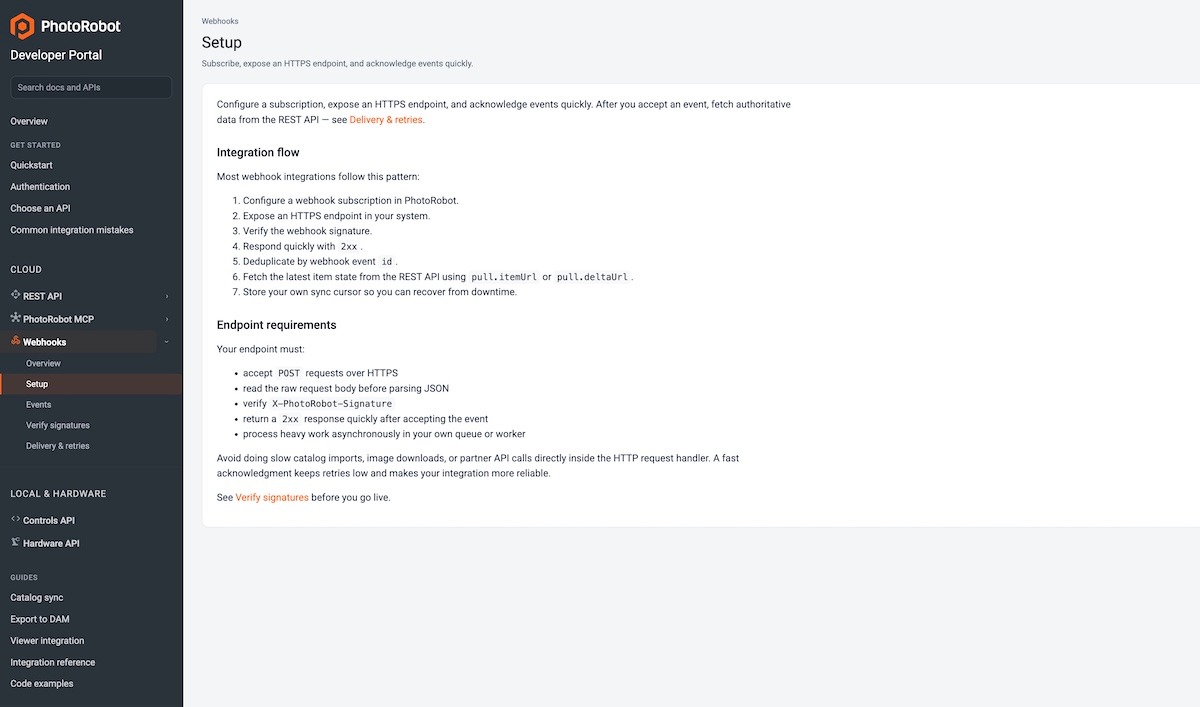
The pattern developers should implement is:
- Receive the POST and verify X-PhotoRobot-Signature against the raw body.
- Return 2xx quickly — do the DAM import or marketplace update in your own worker.
- Deduplicate by event ID. Delivery is at-least-once.
- Fetch the current state from REST v2 hosting using the pull URLs.
That split is what makes the integration reliable. PhotoRobot does not wait for your catalog job to finish, and your system never treats a notification as the catalog.
Common Examples of Customer Webhooks in Use
The most common use cases for Customer Webhooks in the PhotoRobot ecosystem include:
- PIM or DAM refresh. Subscribe to hosting.item.availability.changed. When hosted media becomes downloadable, pull itemUrl and update the product — spins, stills, and metadata in one pass.
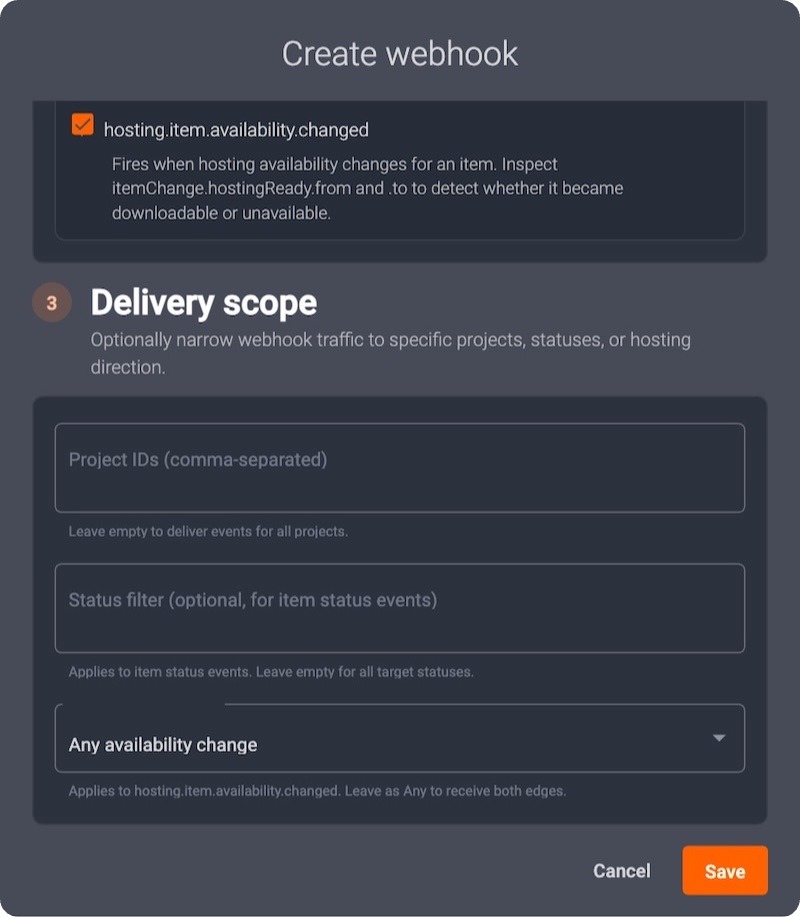
- Marketplace listing. Filter hosting events to “Became downloadable.” Publish or update the listing only after PhotoRobot can actually serve the images.
- Production-board visibility. Subscribe to item.status.changed when your ERP or QC board needs to know an item moved to EDITED, APPROVED, or PUBLISHED — even before hosting is ready.
- Bulk campaign updates. After a large status change in Cloud, one item.status.bulk_changed event arrives with a deltaUrl. Catch up the affected set instead of expecting thousands of per-item webhooks.
- Cache or CDN invalidation. When hosting flips to available or unavailable, purge or warm the paths your storefront already knows. The webhook is the trigger; Hosting API is the source of the new URLs.
How to Configure Your Customer Webhooks
To set up Customer Webhooks for PhotoRobot Cloud, open your PhotoRobot Account in Developers mode and use Webhooks to create a webhook subscription. Then, point the subscription at your staging endpoint to verify the first delivery.
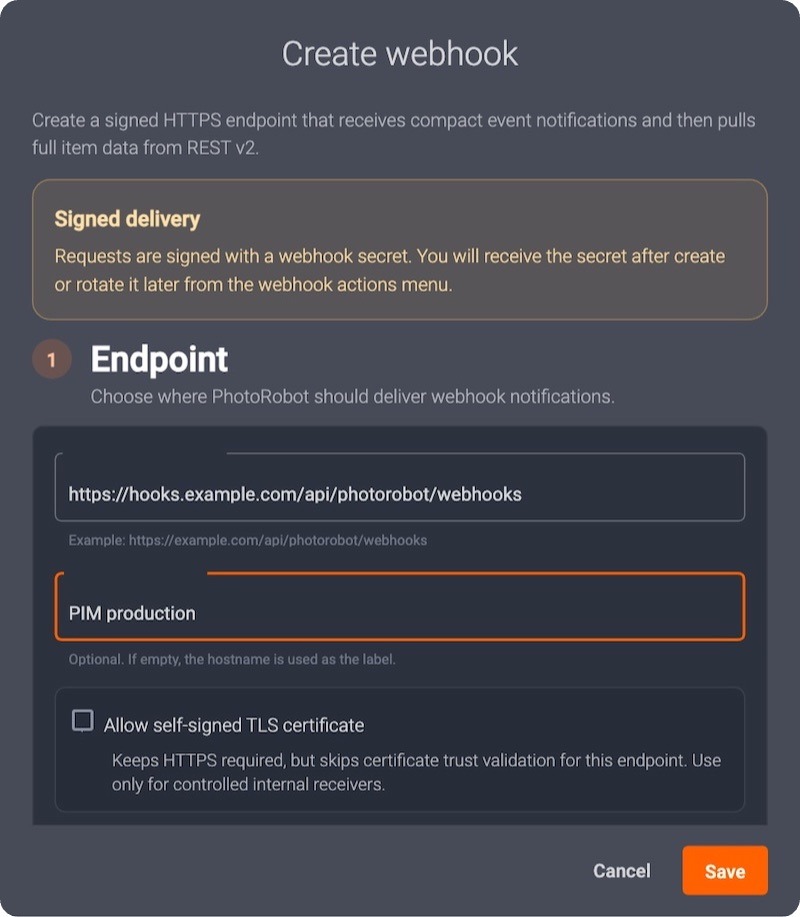
- Sign in to PhotoRobot Account and open Developers → Webhooks.
- Create a webhook. Paste your HTTPS endpoint, give it an internal name, and pick the events you need.
- Copy the signing secret when it appears — it is shown once until you rotate it.
- Click Send test. Confirm webhook.subscription.test arrives and the signature verifies.
- Open Delivery log to inspect the payload, HTTP status, and retries.
- Point the first subscription at a staging endpoint.
For more technical information including developer contract and signature examples, refer to PhotoRobot Developer Portal – Webhooks.