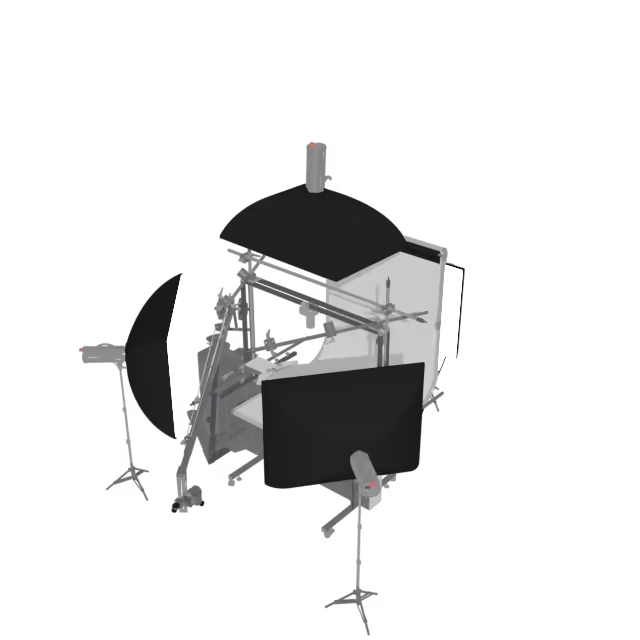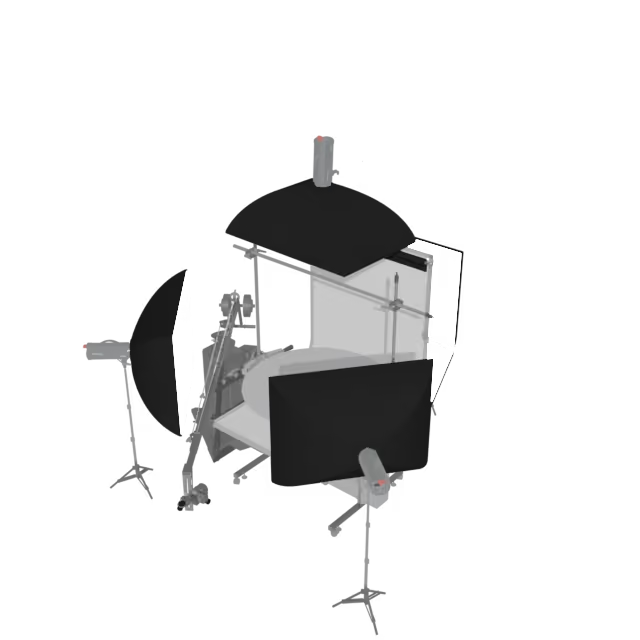
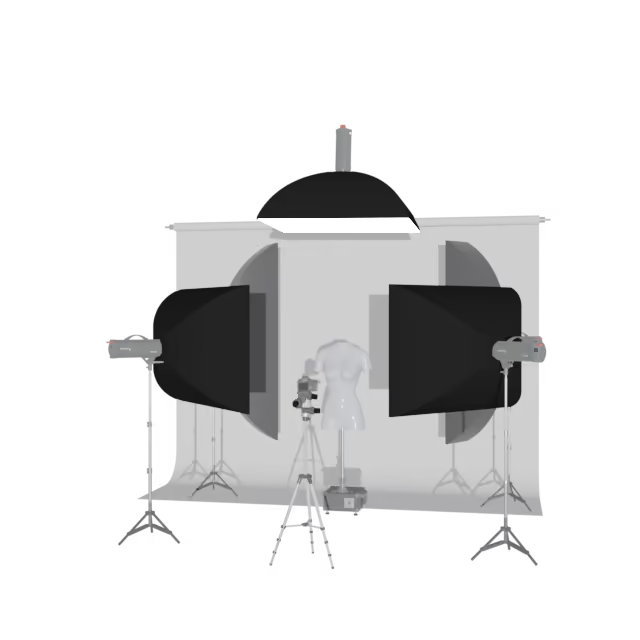
Drag to rotate · scroll or pinch to zoom
Scan with your phone
Opens this page on your phone, where you can place the model in your space (iPhone, iPad and Android).
On iPhone and iPad, AR downloads about 24 MB. Wi-Fi recommended. Best on a newer iPhone or iPad (A15 chip, 2021 or later); older or base-storage devices may fail to open larger models.
3D & AR · Studio Fit-Check
CUBE in 3D
Our smallest and newest compact studio setup, shown standing. A hanging (suspended) configuration is also available.
- Shown
- Standing, with studio background, lights, and mannequin
- Model
- CAD-based, true to scale
- 3D file
- GLB, 6 MB
- AR file
- USDZ for iPhone and iPad, 24 MB
About the CUBE Robot
The PhotoRobot CUBE has three different setups. It works in combination with motorized turntables for product positioning, as a standalone turntable, or as a rotating mannequin stand. The 3D model presents the standing setup with a studio background, lights, and a mannequin.
Project the Cube life-size into your studio with AR to see exactly how much floor space the whole setup requires. See how it stands alone, and how it fits next to the equipment you already have.
Be aware that the configurations you see of the PhotoRobot CUBE may include optional or special-order accessories. The 3D model allows you to check space and layout; it is not a bill of materials. For the exact configuration and price, talk to a PhotoRobot consultant.
View the Cube in Your Space
- iPhone and iPad: Tap View in Your Space under the model (AR Quick Look).
- Android: Tap View in Your Space to open Google Scene Viewer.
- Desktop: Click View in AR on Mobile and scan the QR code.
- The AR file is about 24 MB, the 3D file 6 MB. Use Wi-Fi; older or base-storage iPhones and iPads (before the A15 chip, 2021) may fail to open it.
- Large model, older device? A model's file size depends on how complex it is, not on how it was made. If your device can't display a large model (weaker hardware, an older iPhone or iPad), try the experience with one of these lighter photogrammetry models from our gallery: Wine Bottle (3D 1 MB, AR 2.3 MB), Trophy (3D 1.2 MB, AR 2.4 MB), Blue Soccer Shoe (3D 1.3 MB, AR 2.6 MB) and Carved Wooden Sitting Man Statue (3D 1.3 MB, AR 2.8 MB).
Manuals
Manuals For This Machine
- Installation & UseCUBE V5 / V6 / Compact Installation & First UseThis user manual provides technical instructions on the installation, connection, and use of the PhotoRobot Cube V5 / V6 / Compact.
- LightingCUBE with Mannequin Light SetupFloor plan of a mannequin station with a PhotoRobot CUBE and six lights on a pole structure: background, pole and light distances in mm and the…