
Centerless Table · Heavy (CL)
PhotoRobot Centerless Table CL1300
Heavy Centerless Table with 1,300 mm Glass Plate and Built-In Portal
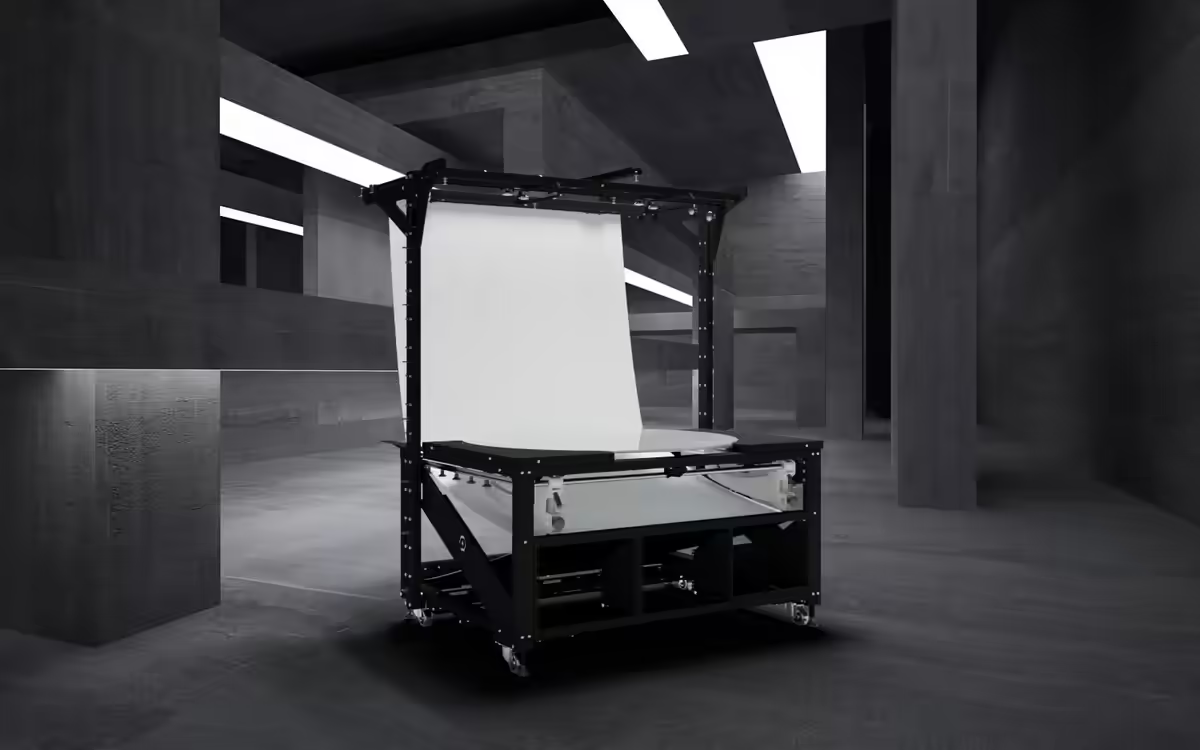
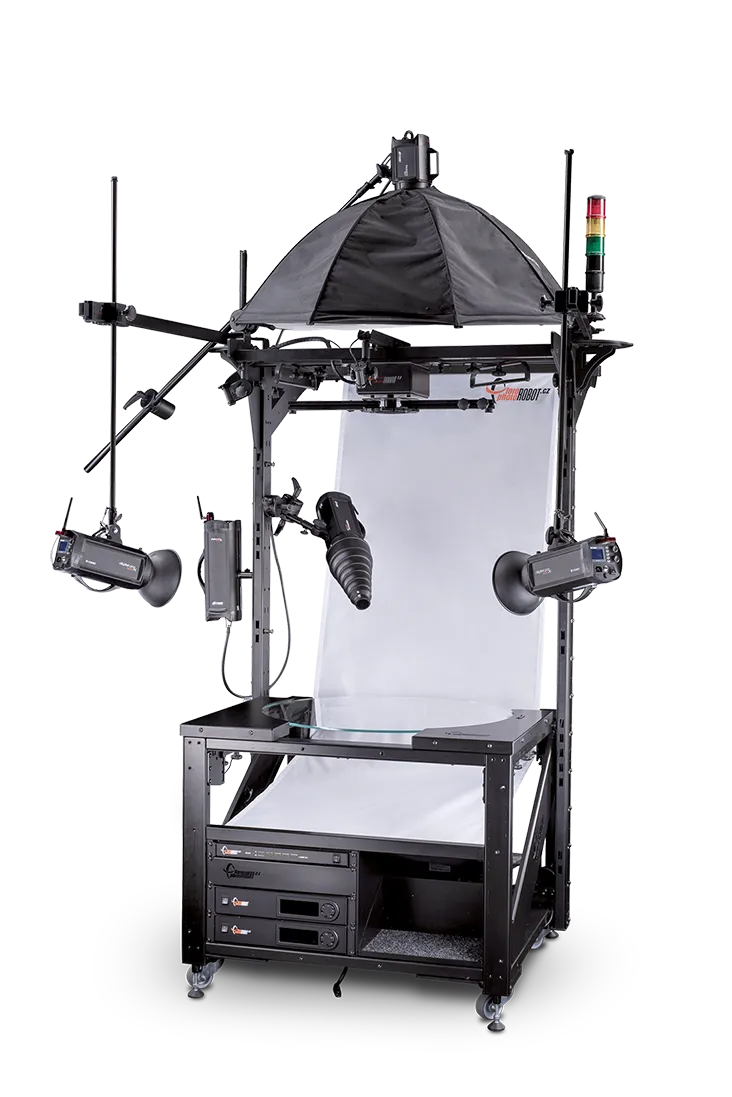
Centerless Table CL1300 has a robust machine body and a massive built-in portal that carries the lights, lasers, and accessories, so nothing stands on the floor around the table. The 1,300 mm plate takes subjects up to 700 × 1,000 mm, and a built-in 19-inch rack makes it a turnkey workstation for high-volume, shadow-free product photography.
- Glass Plate
- 1,300 mm (51.2 in)
- Subject Size
- up to 700 × 1,000 mm
- Shortest Turn (0-360°)
- 4.5 s
- Connection
- LAN
Overview
Why the CL1300
Massive Portal for the Lights
The robust construction and massive portal carry the lights, so cabling problems disappear, the workstation is easier to keep clean, and everything has a fixed position.
Built-In 19-Inch Rack
A 19-inch rack built into the table structure holds the control units, networking, and power distribution.
Room for More Axes
The portal accepts the CUBE as an additional axis, for example to suspend and rotate products that do not stand on their own.
Set the Scene Precisely
Numerous accessory holders, including reflector and flag boards, and both reflective and translucent backgrounds let you shape the light for each product.
Tempered Optical Glass
The 1,300 mm plate is made of tempered, highly transparent optical glass held in a wheel system. A sensor reads the absolute position and corrects it at each stop.
No Stray Reflections
Shading panels at the sides and bottom of the construction prevent reflections on the object, and the diffusion background with its bottom reflective section stays translucent even at top-view camera positions.
Products
What CL1300 Photographs
Products from the size of a ring to a suitcase, including transparent, reflective, light, and dark items, up to 700 × 1,000 mm on the 1,300 mm glass plate.
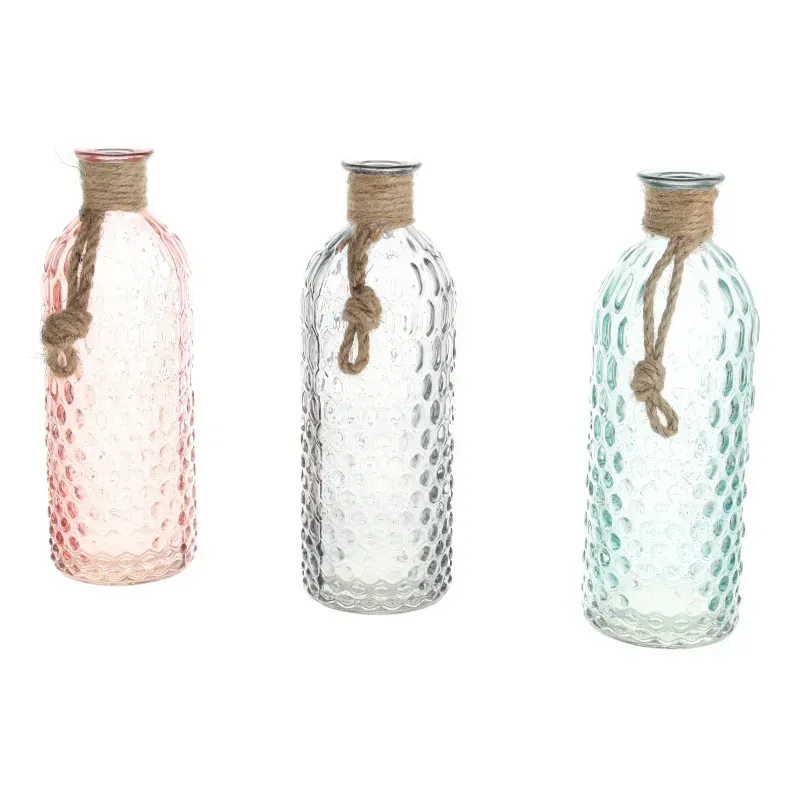
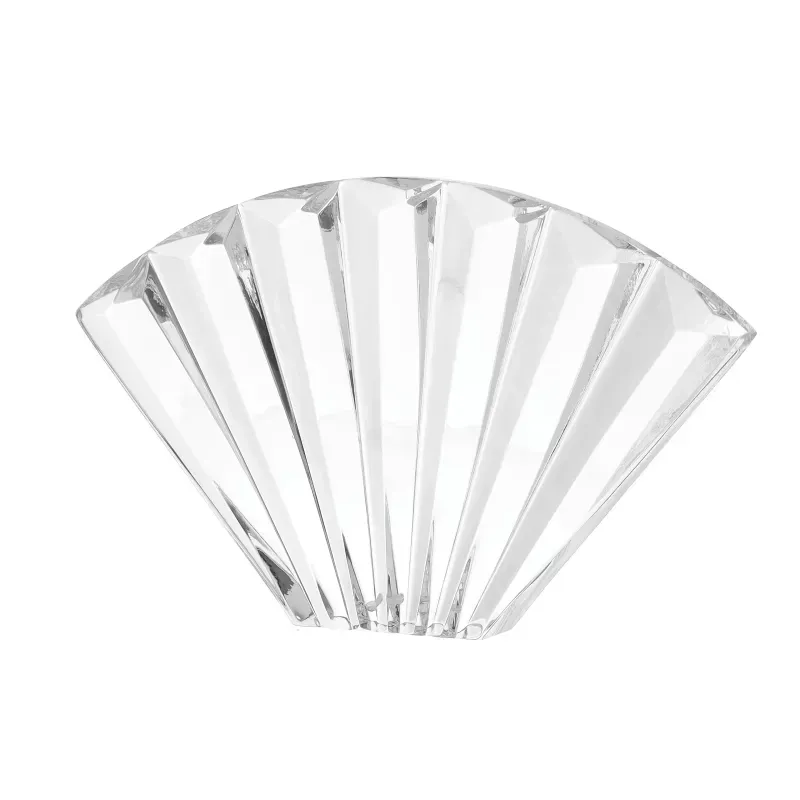
- Glass, crystal, and bottles
- Jewelry, watches, and eyewear
- Footwear, bags, and fashion accessories
- Tools, power tools, and spare parts
Product areas cover clear and shiny objects, small hard goods, and powered tools and machines.
Workflow
How CL1300 Works
- Scan and place. The operator identifies the product with a handheld barcode or QR code scanner and places it on the glass plate, guided by the built-in positioning lasers. The scan starts the sequence, so there is no need to walk to the keyboard.
- Automatic setup. The positioning lasers switch off automatically, and the lights and camera are set according to the preset in PhotoRobot Controls.
- Capture. The table captures every stop of the sequence automatically and recalibrates with each rotation for maximum positioning accuracy.
- Post-process and swap. Post-processing starts right away. When the sequence ends, the lasers switch back on so the operator can swap the product at once, for a production rhythm of about one minute per product.
Outputs
What You Receive
- Still images: Packshots and image galleries from fixed angles.
- 360 spins: A full rotation from one camera height, for interactive product viewers.
- Multi-row 360: Several rotations from different camera heights, combined into one viewer.
- 3D models: Photo sets for photogrammetry and 3D model creation.
- Product video: Turntable video of the rotating product.
With the optional Robotic Arm or MultiCam, multi-row 360 and 3D capture run without moving the camera by hand.
Multi-Axis Video
With the optional Robotic Arm, the turntable rotates the product while the arm moves the camera, both at the same time. This multi-axis motion produces dynamic product videos. Multi-axis video requires continuous LED lighting; flash strobes cannot be used for video.
Samples
Sample Outputs
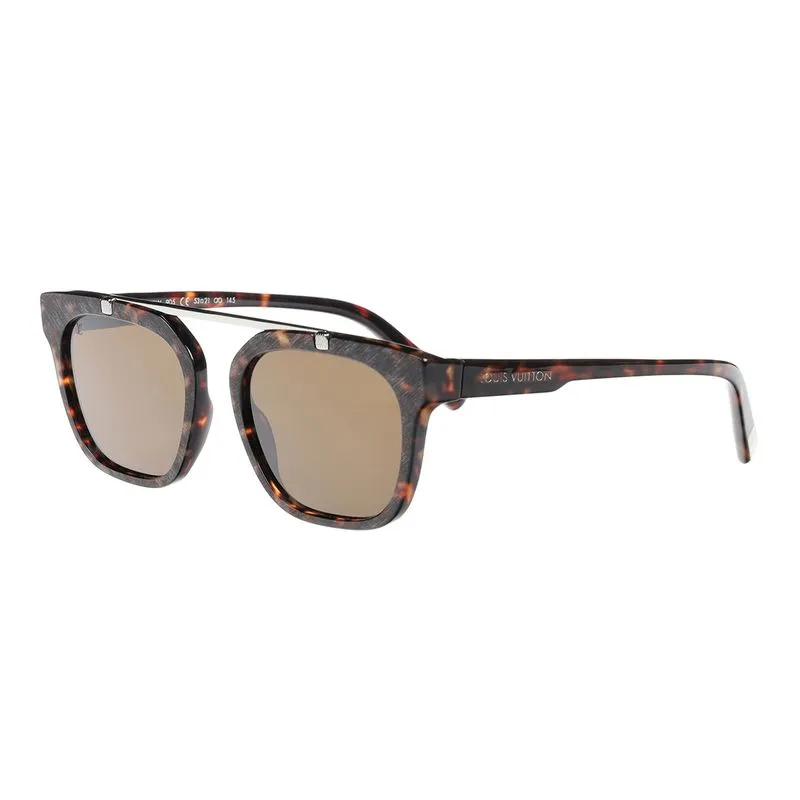
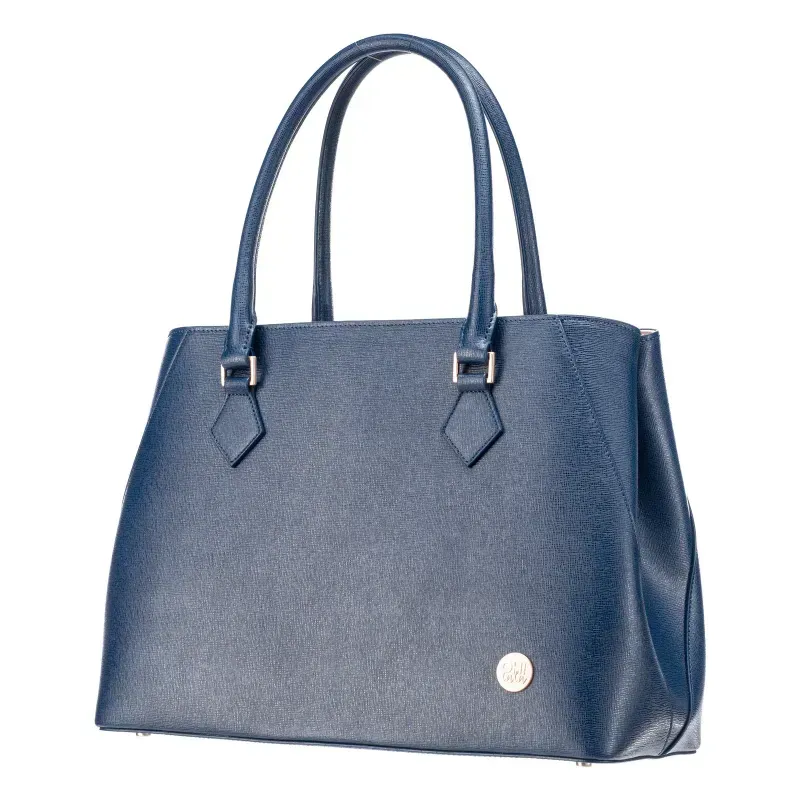
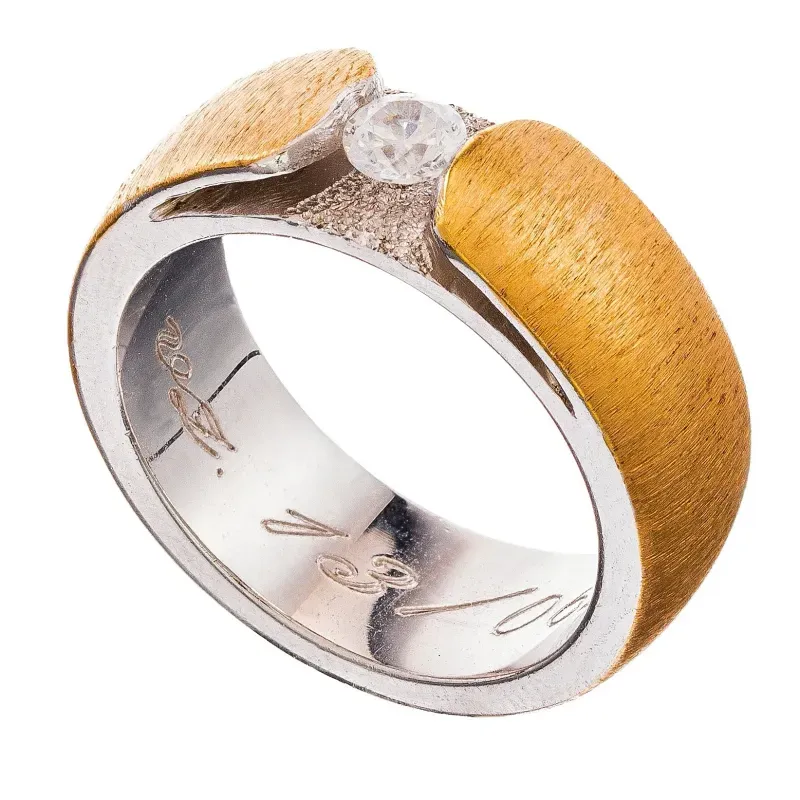
Examples from the PhotoRobot output gallery that list the Centerless Table among the robots used.
Tech specs
Technical Specifications
| Controls Software Connection | LAN |
|---|---|
| Communication with Machine | API / PhotoRobot Controls |
| Plate Diameter | 1,300 mm (51.2 in) |
|---|---|
| Minimum Step | ≤ 0.1° |
| Shortest Turning Time (0-360°) | 4.5 s |
| Deviation per Rotation | ≤ 0.5° |
| Table Separate Input Power | 500 W |
| Supply Voltage | AC 115 / 230 V |
| Table, Kit R (H × W × D) | 2,110 × 1,720 × 1,570 mm (83.1 × 67.7 × 61.8 in) |
|---|---|
| Table, Kit R + Robotic Arm V8 (H × W × D) | 2,110 × 2,570 × 2,070 mm (83.1 × 101.2 × 81.5 in) |
| Table, Kit R + Robotic Arm V8 + Lamp Mounts (H × W × D) | 2,850 × 4,720 × 2,850 mm (112.2 × 185.8 × 112.2 in) |
| Recommended Room Height | 2.5 m (standard ceiling); more for machines on taller stands. Overhead lights need clearance above the machine, and at 2.5 m it is tight. |
|---|
3D & AR · Studio fit-check
Will CL1300 Fit Your Studio?
Project a life-size CL1300 into your room with augmented reality, or examine the 3D model on-screen. Only a quick inspection of the floor space and clearance you require is necessary before we plan your setup together.
Try It in Your Studio (3D / AR)
All Machines in 3D and AR
Turnkey delivery
What Each Kit Contains
- CL1300 robot with all necessary cabling
- Shutter cable set (Canon N3 + 2.5 mm jack)
- Active USB extension and camera connection cable (10 m)
- Laser set for precise positioning (KHLST-S20)
- Hedgehog flash holder set (4 holders: front, back, left, and right)
- Wallboom flash holder set (1 overhead holder)
- Bottom flash holder set (1 low holder)
- Bottom and back white background with bottom reflector
- Black velour background 1.49 × 7.32 m with rolling mechanism
- Power multi-socket
- Networking kit
- Table-side docking kit for the Robotic Arm
- Built-in 19-inch rack for control units, networking, and power distribution
- 1 year of Premium Warranty and Support
- Export packaging
- Installation with operator handover (remote or on-site)
Options
Studio Companions
Robotic Arm
Multi-axis camera movement for multi-row 360 and 3D. The table-side dock is in the kit.
MultiCam
Several cameras capture all rows at once.
Lighting Kits
Sets of 4 or 5 lights for the built-in holders.
Accessories
Tripod with geared head, geared head alone, and spare glass plate.
Software
Compatible Software
PhotoRobot Controls
Run the table, camera, and lights from one workstation.
Image Editing
Get tools for background, crop, and retouching of your captured images.
360 Product Viewer
Publish 360 + 3D spins and product image galleries on your website.
FAQ
Frequently Asked Questions
What is the Difference Between the CL850 and the CL1300?
Both the CL850 and CL1300 are heavy versions of the Centerless Table, with a massive built-in portal and a built-in 19-inch rack. The CL1300 has a 1,300 mm plate for subjects up to 700 × 1,000 mm. CL850 has an 850 mm plate, turns a full circle in 4 seconds instead of 4.5 seconds, and has a smaller footprint.
How Does a CL Model Differ from the Lightweight C Models?
The CL models have a heavier machine body with a built-in portal for lights and accessories and a built-in 19-inch rack. The lightweight C850 and C1300 are easier to move around the studio and to transport by van.
How Fast Is Production on the CL1300?
Scanning the product's barcode or QR code starts the sequence. The lasers switch off, the lights and camera follow the preset, every stop is captured, and post-processing starts right away. When the lasers switch back on, the next product goes on the plate: about one minute per product.
Does the CL1300 Support Photography of Transparent and Reflective Products?
Yes, the capture of transparent and reflective objects is possible thanks to the optical glass plate and diffusion background. These allow the lighting of products from all sides including from below, which suits glass, chrome, and other reflective surfaces.
Is CL1300 Compatible with the Robotic Arm and MultiCam?
Yes, the table-side docking kit for the Robotic Arm is part of every CL1300 kit; the Robotic Arm and MultiCam are options.
How Do I Request a Quote?
Contact our sales team. We prepare the configuration (machine, lights, camera, software, and services) for your products and send you a quote.
Videos
Related Videos
Blog
Related Articles
360° Product Photography - Content Formats and Production
Discover 360° Product Photography: from the different formats of 360s to automated photography equipment, software, workflows and content production.
eCommerce Photography - How to Optimize Production
In eCommerce photography, production speeds matter. Discover 9 stages to optimize your in-house studio for high-speed, high-volume production.
Packshot Photography - What is it, and How to Produce It
Branching off product photography, packshot photography sets guidelines to taking photos of a product typically with its packaging and labeling.
Plan Your CL1300 Workstation
Tell us what you photograph and how many products a day. We put together the machine, lights, camera, software, and services, and send you a quote. We can also photograph your samples in our studio first.